Toilet
Toilet
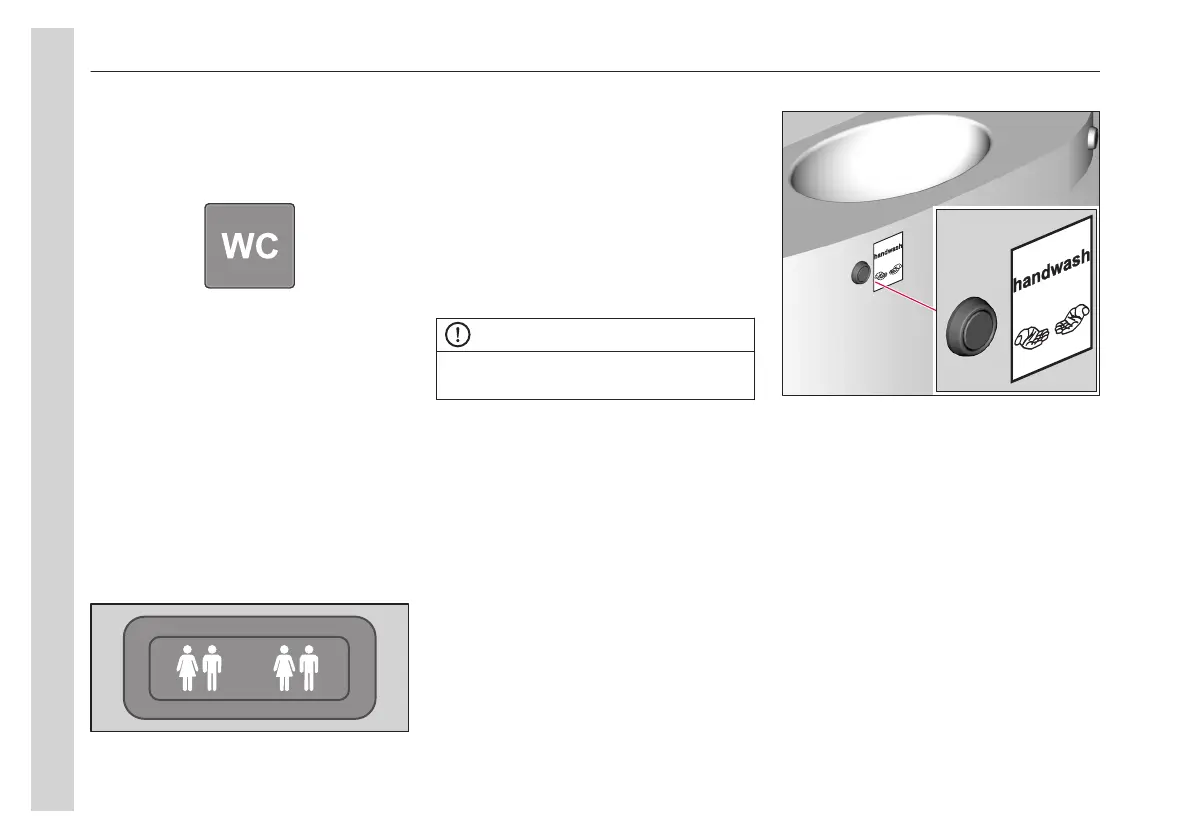
Activate the toilet
To activate the toilet main power supply,
push the WC button on the dashboard.
Overview
This overview gives a general part
description of the toilet. Component
placement can differ between buses.
Interior lighting
The toilet is equipped with movement
sensors which control the interior lights.
When occupying the toilet, the lights are
turned on automatically. When the door
is locked from the inside, the occupied
lamp is turned on in the passenger area.
Shortly after the toilet is vacated, the
vacant lamp will instead be turned on.
Flushing
Press the flushing button once to flush
the toilet. If further flushing is required,
wait until the first flushing cycle is
complete, then flush again.
A warning light alerts the driver when the
sewage tank is full, and the WC
occupied sign turns on in the passenger
area.
NOTE
The toilet cannot be used until the tank is
emptied.
Hand washing
The bus is equipped with a sink, press
the hand washing button to dispense a
set amount of water. A warning light
alerts the driver when the fresh water
tank is empty and the occupied WC
display turns on in the passenger area.
When the fresh water tank is empty, the
hand washing button is deactivated.
To activate the water pump, press the
hand washing button.
Waste bin and dispensers
Waste bin
The use of a waste bag is
recommended.
Soap dispenser
Fill the soap dispenser regularly.
Toilet paper dispenser
It is recommended that a biodegradable
paper is always used.
05
Equipment
78


 To Next Page