36
Instruments
Graph page, key 4
By repeatedly pressing key 4, the data parameters will
be displayed with a historic graph:
If a data parameter is not available, that particular
screen will not be selectable.
If the data is lost, whilst in the screen, then the graph
line will just stop drawing but continue to scroll across
the screen.
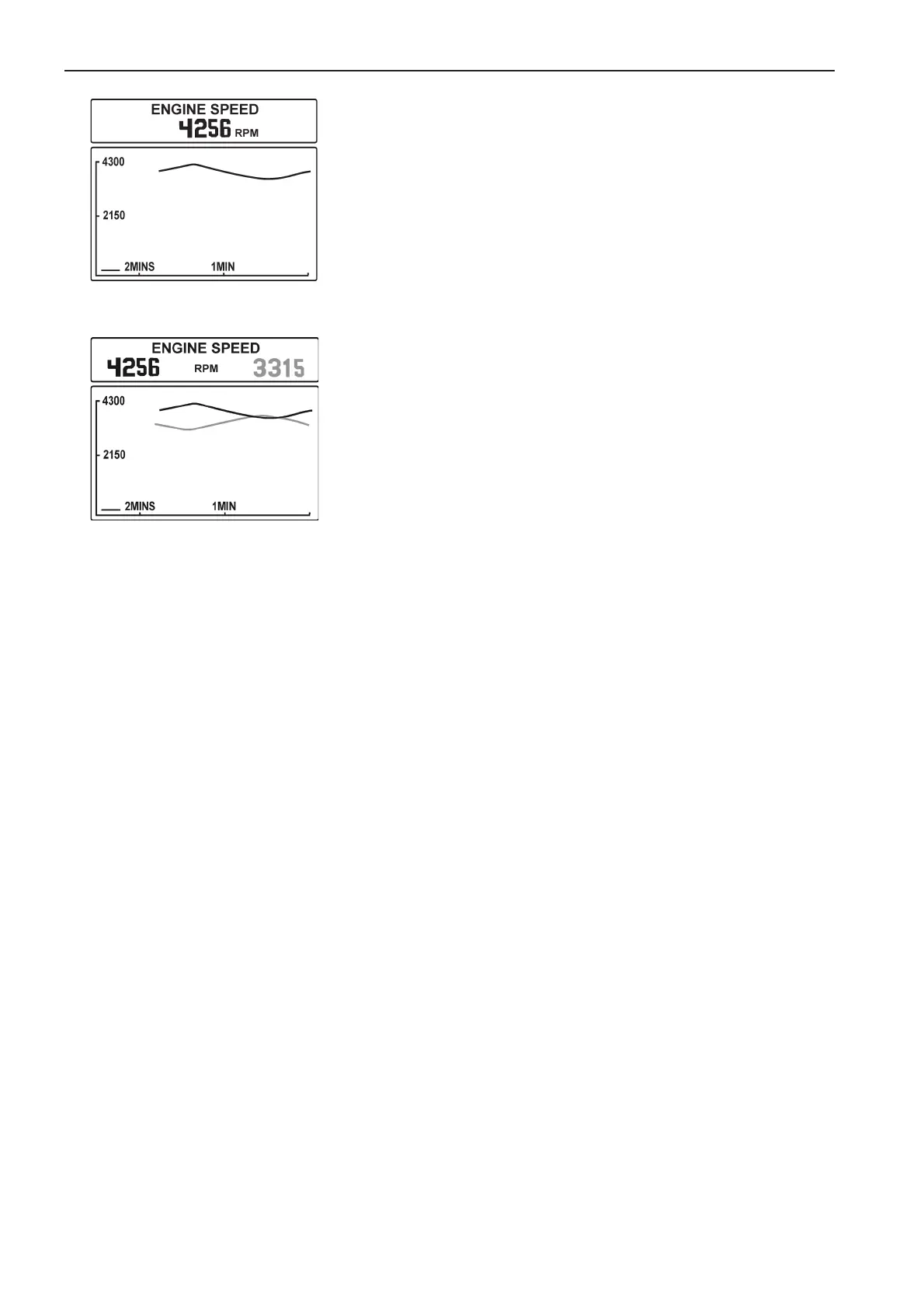
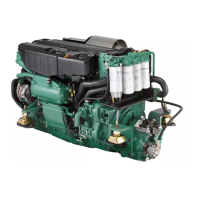
Port or single engine data will be drawn as a black
line.
Starboard engine data will be drawn as grey line.
The maximum time range can be adjusted in the con-
figuration menu to either: 2mins, 10mins, 30mins, 1hr,
2hrs, 4hrs, 8 hrs.
Range on Y-axis is automatically adjusted to give a
better view.
Single engine graph screen
(showing engine speed)
Twin engine graph screen
(showing engine speed)



 To Next Page