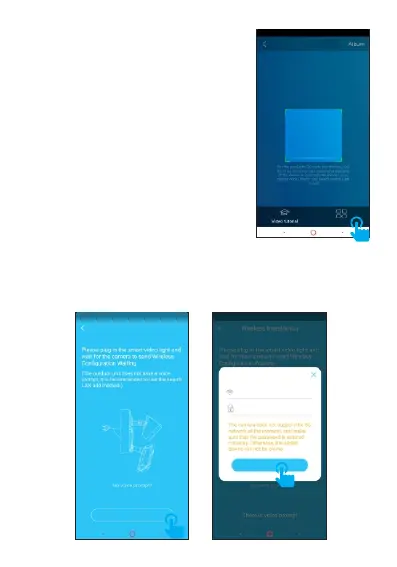
Sign in the APP, please ①
click "+" in the top right corner to
add the device. Click "Scan to
add", please scan the QR code on
the body of device. (If you could
not find the QR code, please click
"Others" to add the device. )
Once heard the prompt "Please use APP for WiFi ②
configuration", please click "There is voice prompt". For
the first time, please select the WiFi that your mobile phone
connected and enter the password, then click "OK" to next
step.
Scan QR code
Others
Wirele ss I nstallation
There is v oi ce prompt
WiFi
eye4
ok
****** *



 To Next Page