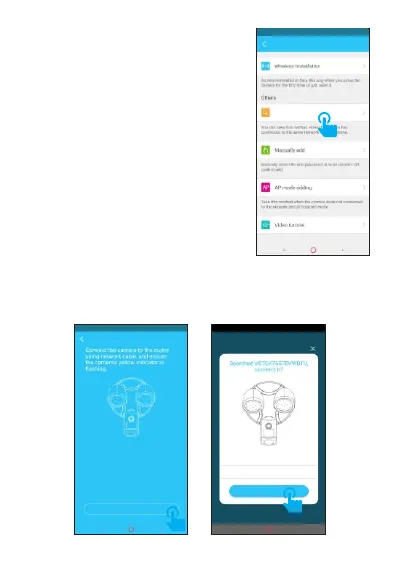
7.3 Search in LAN
Click "Search in LAN", you ①
can find all the available cameras
that share the same router with
your m o bile p h o ne. If a d d e d
successfully, the floodlight camera
could be added through this way by
other users which in different
account.
If floodlight camera which Note:
has been added successfully in
this account, will not be searched
again.
Click "There is voice prompt", wait about 10 seconds, ②
the binding page will pop up, please enter the initial
password, click "Add it".
Add Devi ce
Ther e is voice pr omt
Add Devi ce
Search i n LA N
There is voice prompt
Name:Floodlight Cam
Password:
******
ADD IT



 To Next Page