EasyManua.ls Logo

VTech Twist & Learn - User Manual

VTech Twist & Learn
16 pages
Print Icon
To Next Page IconTo Next Page
Loading...
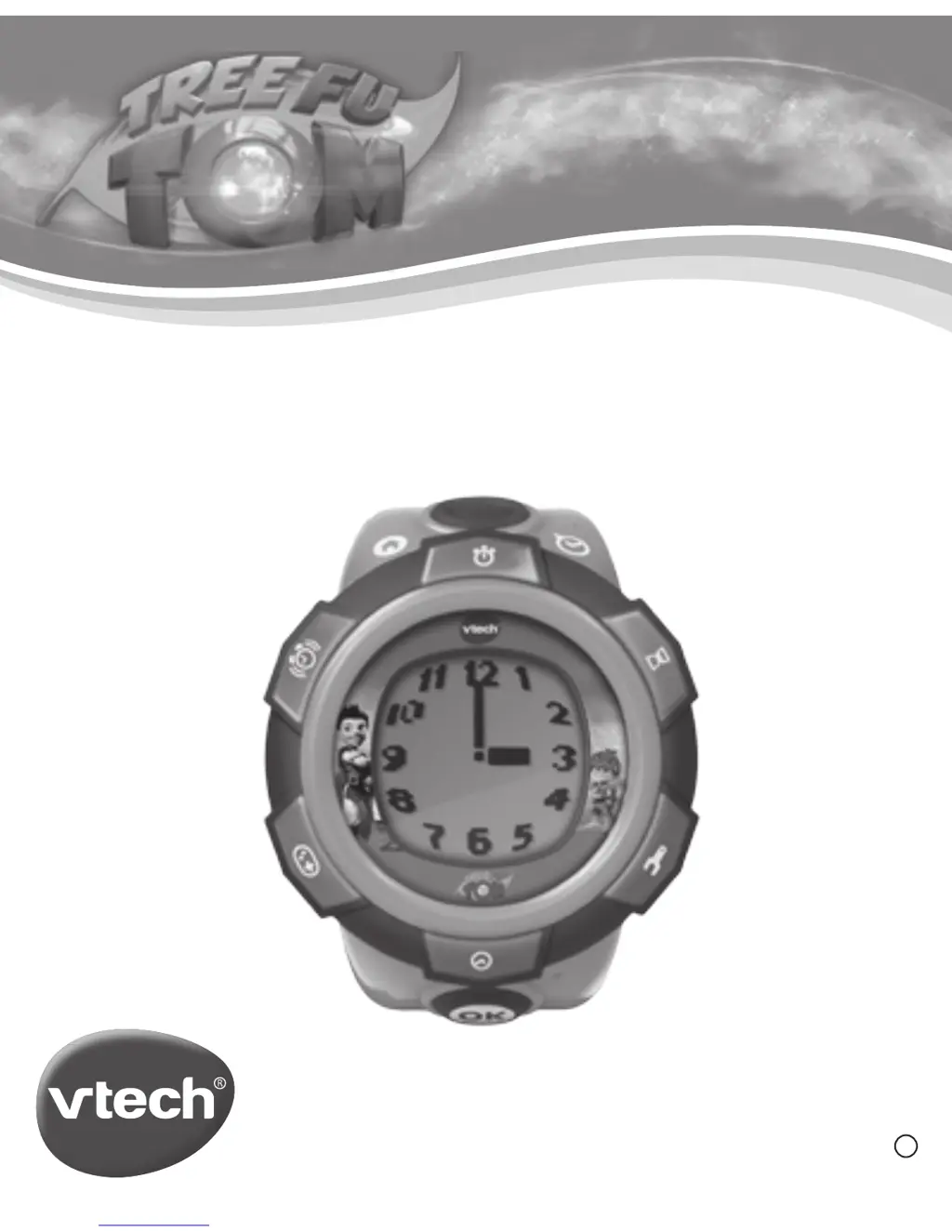
TREE FU TOM™ BBC & FremantleMedia Ltd.
© 2014 VTech
Printed in China
91-002604-027
UK
Twist & Learn Watch
User’s Manual

Questions and Answers

  • M
    Mr. Kenneth GregoryJul 26, 2025
    How to fix VTech Twist & Learn if it's not working?
    • S
      stephaniemcdonaldJul 26, 2025
      If your Twist & Learn VTech Watch has stopped working or the LCD isn't showing anything, make sure the button battery is correctly installed. If it is, try replacing it with a new one.
  • E
    Eric WoodAug 9, 2025
    What to do if there is no sound on VTech Twist & Learn?
    • M
      Mr. Jeffery PrattAug 9, 2025
      If there's no sound or voice coming from your VTech Watch, first make sure that mute mode isn't turned on. To deactivate mute mode, hold down the OK and Time Telling buttons.

Summary

Product Features

Product Layout and Buttons

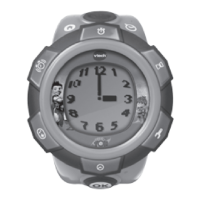
Explains the physical components and buttons of the VTech Twist & Learn Watch.

Getting Started

Battery Replacement

Instructions for replacing the watch's CR2450 button battery.

Battery Notice

Safety information regarding battery handling, disposal, and warnings.

Attaching the Strap

Step-by-step visual guide on how to attach the watch strap.

Activities

Troubleshooting

VTech Twist & Learn Specifications

General IconGeneral
Age3-6 years
CategoryEducational Toy
TypeInteractive Learning Watch
Featuresmusic, games, and educational activities
Power SourceBattery
DisplayLCD
Color OptionsPink, Blue

Related product manuals