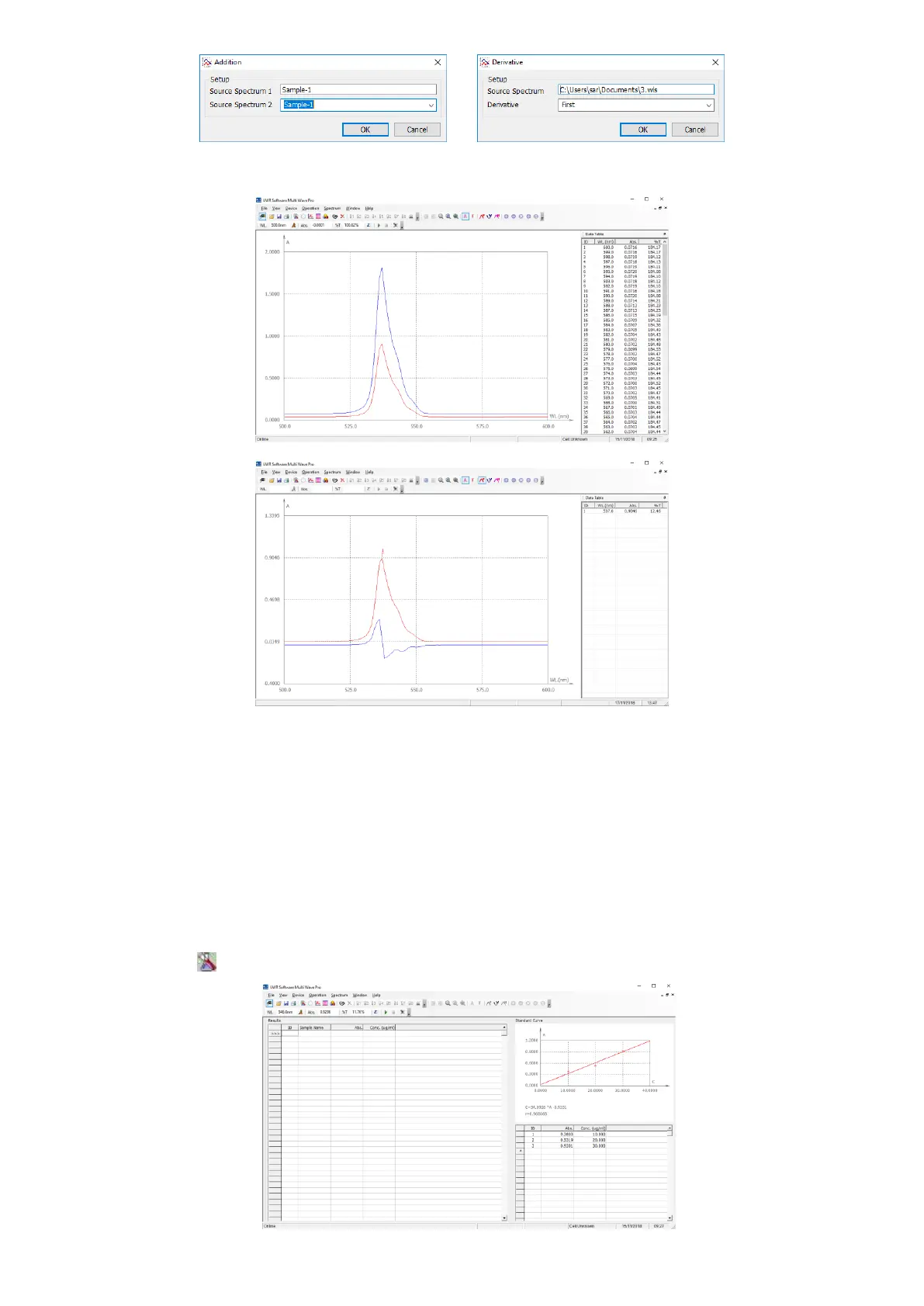
Spectrum Smooth
We use this function to wipe off the interferer of noise during the course of scan, so as to make the spectrum look
much smoother. Click Main Menu→Spectrum→Spectrum Smooth.
Operation
We will introduce you how to use VWR Software Multi Wave Pro.
Quantitative Analysis
VWR Software Multi Wave Pro use Standard Curve to test the sample’s concentration at a fixed wavelength point.
1. Click the icon in the Tools Bar shortcut to create a new Quantitative Analysis.


 To Next Page