1.5 Identification and user interface
!
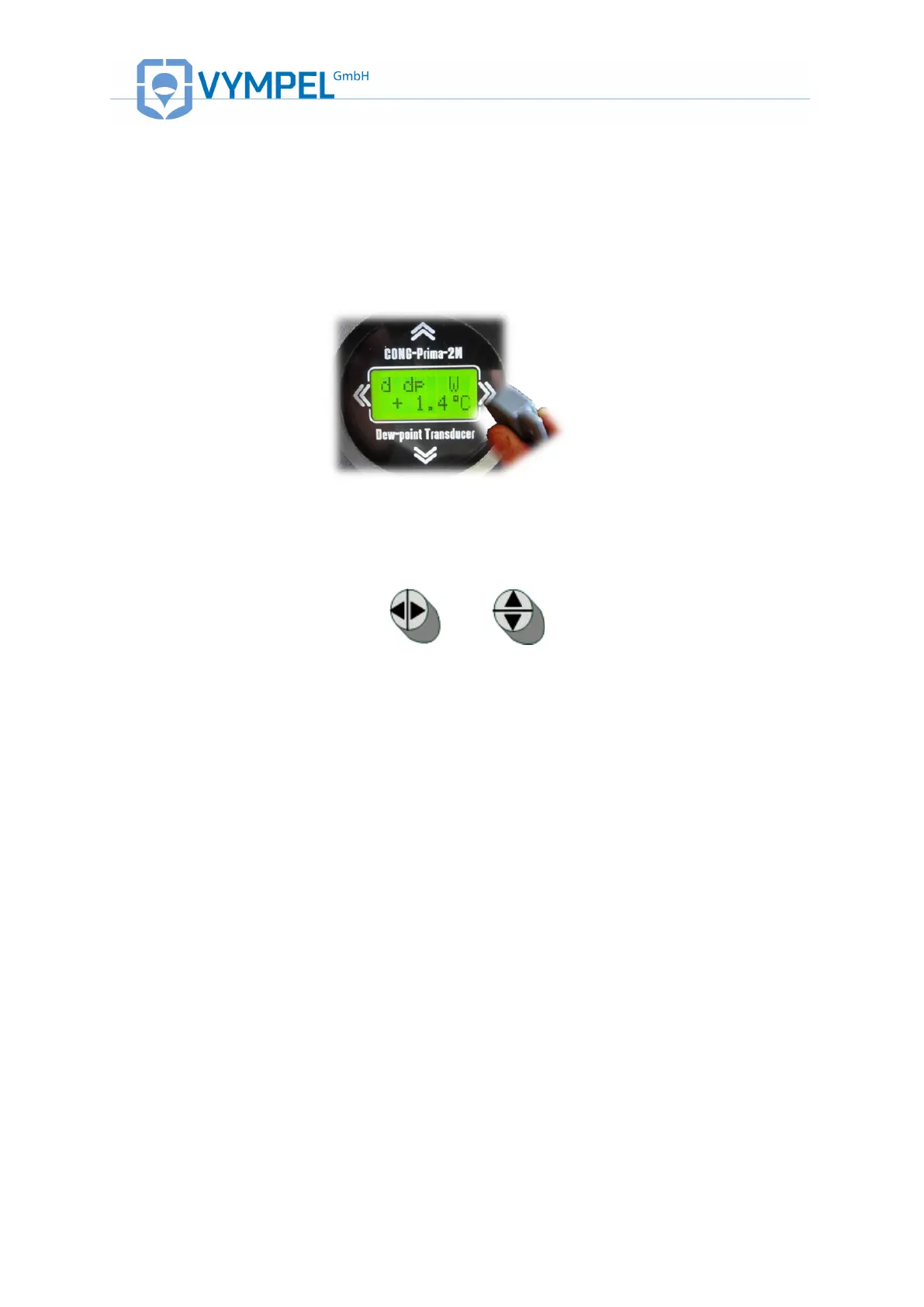
To operate the CP 2M, a magnetic key is used to select, alter, and enter parameter
values. The arrows above, below, and to both sides of the display located on the front of
the analyzer indicate the location of the buttons that are activated by the magnetic key.
The magnetic key is included with delivery of the analyzer.
Illustration 5:
CP 2M user display
The orientation of the magnetic key is shown in illustration 6.
Illustration 6:
magnetically activated control buttons
Page through the menu,
Change the displayed unit value up and down;
Menu point: enter
(Change between menu capitals)
Leave the current menu
(Return to the higher menu point)
scroll through digits when entering a value
The menu of the Cong Prima 2M is cyclically organized, in order to make the search for
capitals or parameters simpler.



 To Next Page