9 Installation
23 100_0102_is_0003.fm
Installation – cable to terminal board box
Compliance with the following steps is required when installing the cable to the terminal board
box:
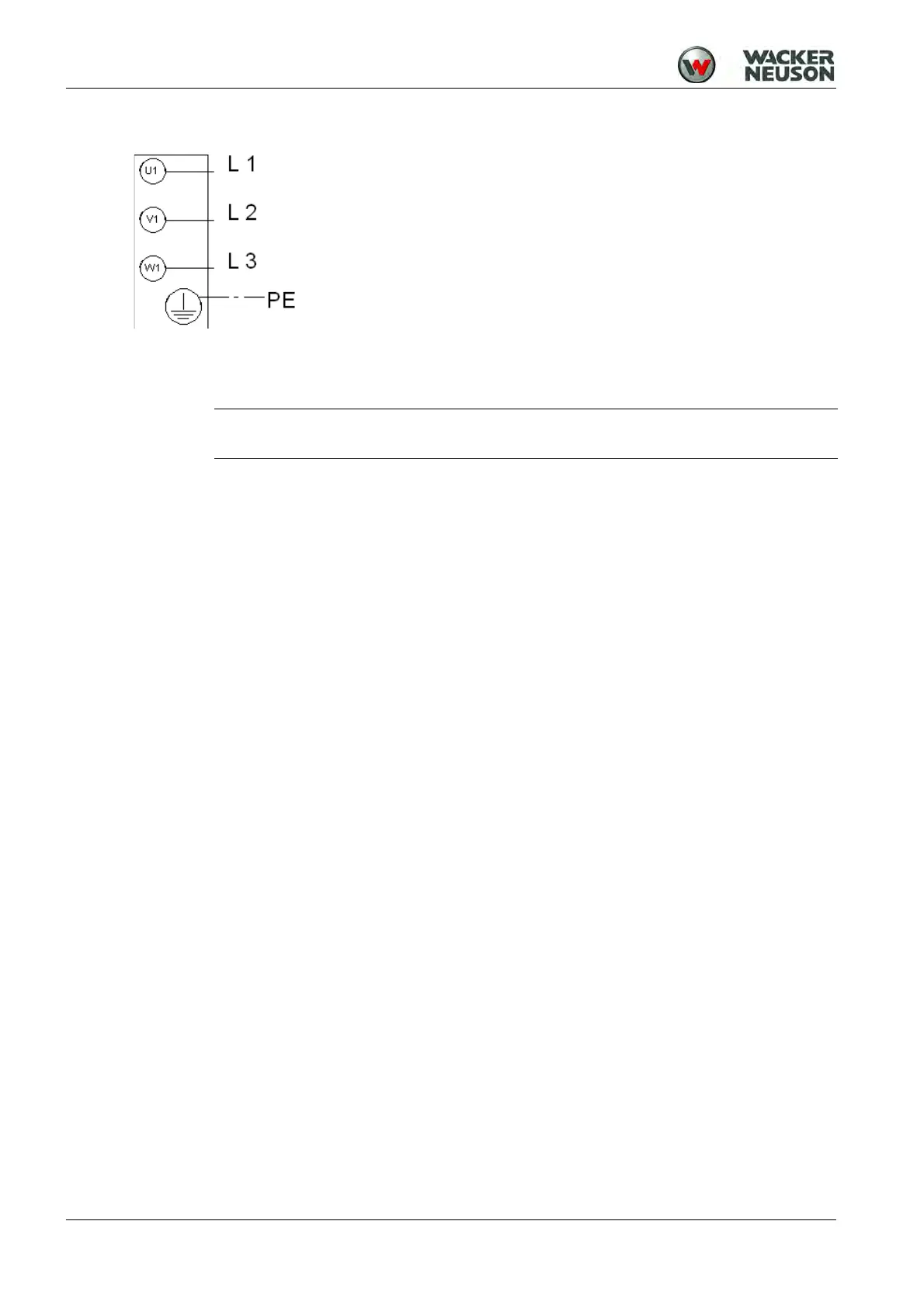
1. Connect power cable as shown in wiring diagram.
2. Fit grounded conductor (only for machines of protection class rating I).
3. Fastening the seal and lid - Seal must sit correctly.
4. Terminal board box must be dust-free and dry when sealed. Tighten the screws on the lid of the
terminal board box - The screws are glued in and tightened with 3.0 Nm.
NOTE
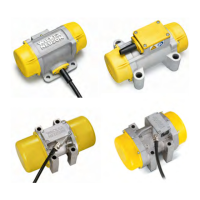
When attaching two external vibrators, ensure that they rotate in opposite directions.









 To Next Page