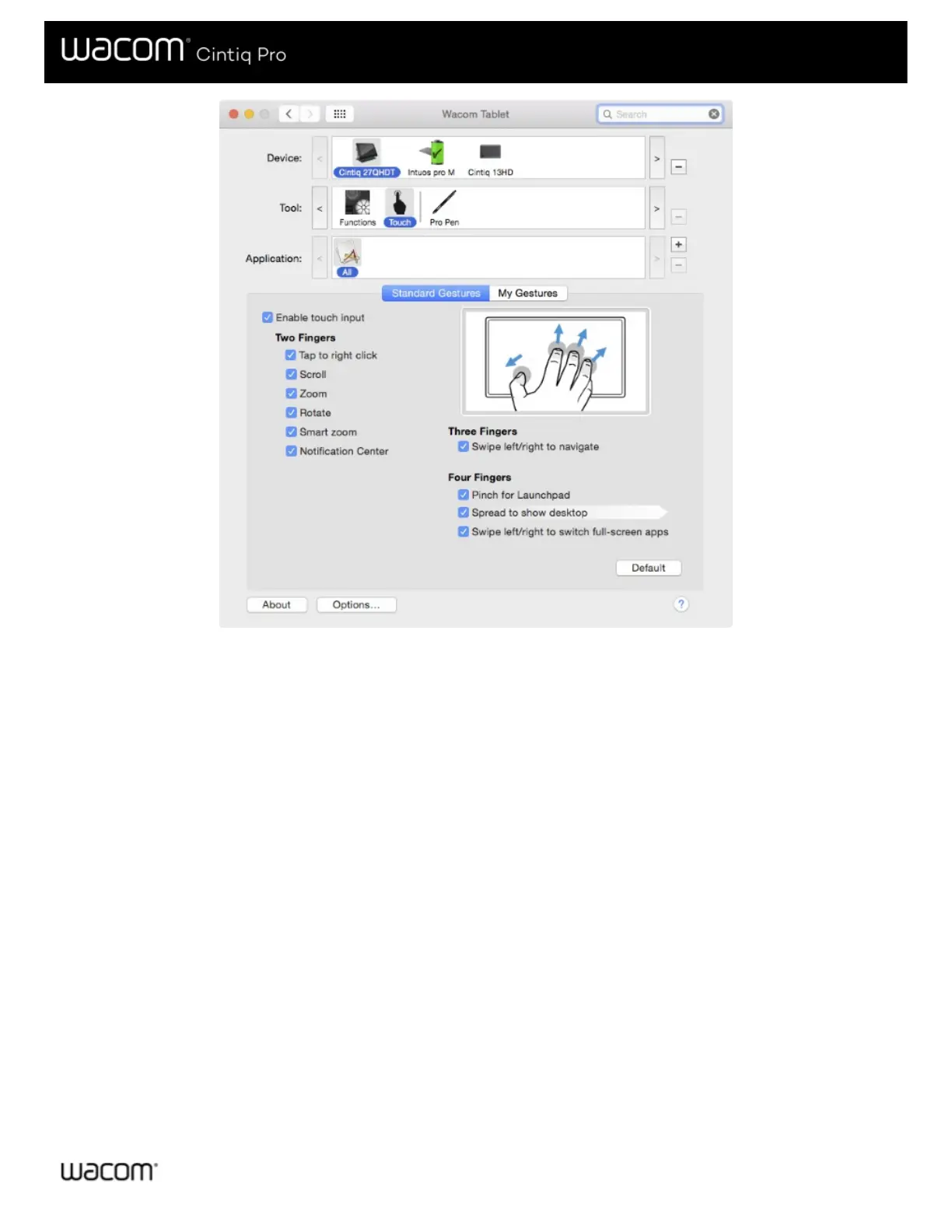
The above screenshot is for descriptive purposes; it may not match your screen.
On the Touch tabs, position the screen cursor over an option to see a static image of that function. If you do not choose a specific
option to view, the control panel will display each option sequentially, from top to bottom. Available options may vary, depending
on your operating system and version.








 To Next Page