24 25
Door and Keys Instructions
PRODUCT DESCRIPTION AND SITE PREPARATION
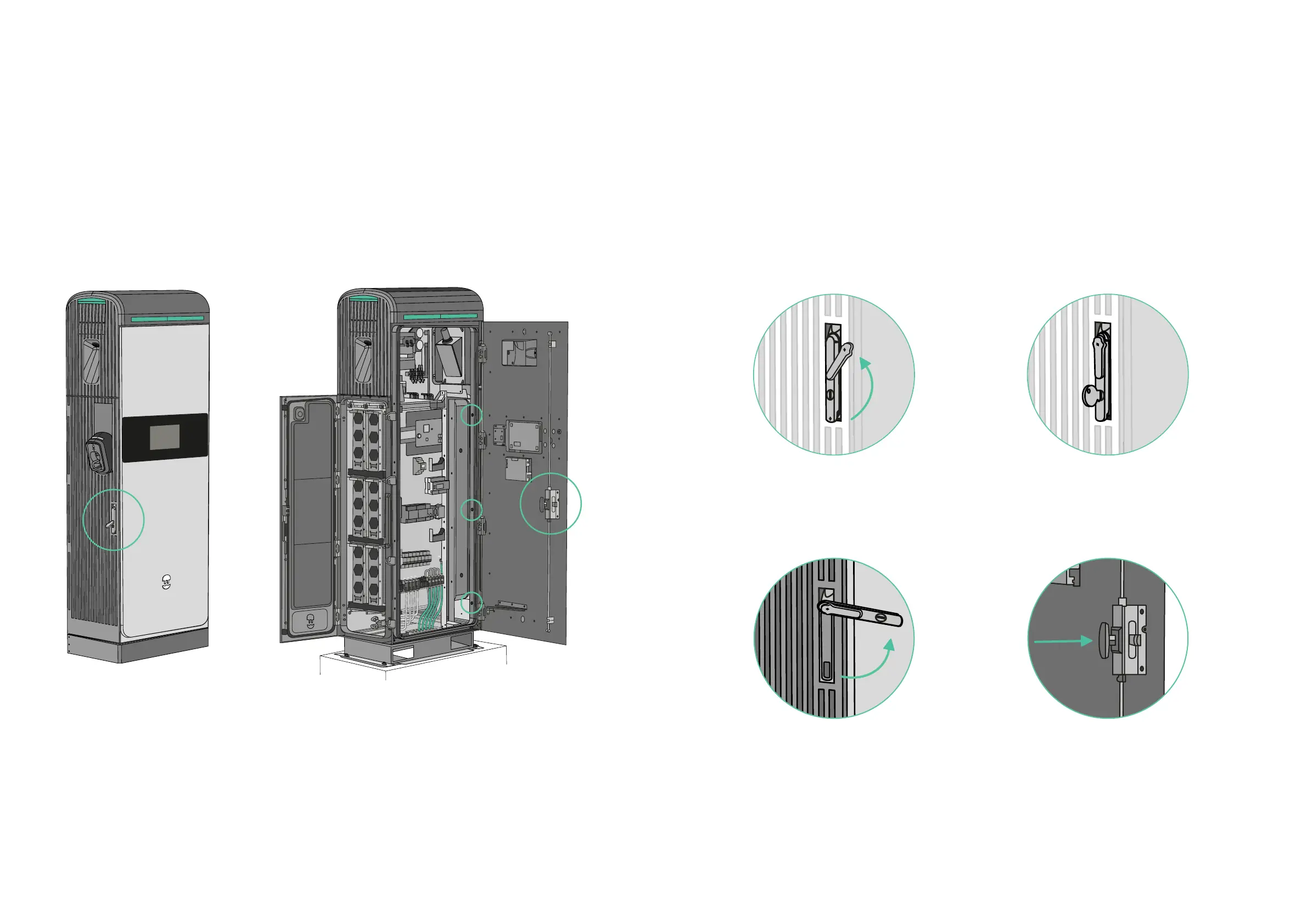
Supernova has three doors: one on the left side, one in the front and the last one
on the right side. The doors must always be opened sequentially from left to right.
Introduction
Door and Keys Instructions
PRODUCT DESCRIPTION AND SITE PREPARATION
2.
1.
4.3.
To open the first door, shift the
door lock cover to the right.
Turn the handle inside the charger
and push the door to open it.
Turn the handle to the right
and pull the door.
Use the key included in the installation
kit to unlock the handle.
Instructions



 To Next Page