25 | P a g e
Wallgate Thrii®
PRODUCT MANUAL Issue 5_3
ORIGINAL INSTRUCTIONS
© 2013 Wallgate Ltd.
button to select the desired setting, this is confirmed by an illuminated LED and a five second fan
cycle. (It should be noted that lowering the fan speed will take longer to dry the hands) see Fig.19
7.2 Advanced adjustment
The unit is supplied with factory settings as shown in Fig. 19 below. Further adjustments can be
made to the configuration of the water, soap and air operations & to the cycle sequence.
Incorrect alterations to the default handwash settings may result in malfunctions or possible
unit damage. If in any doubt contact Wallgate after sales service for information.
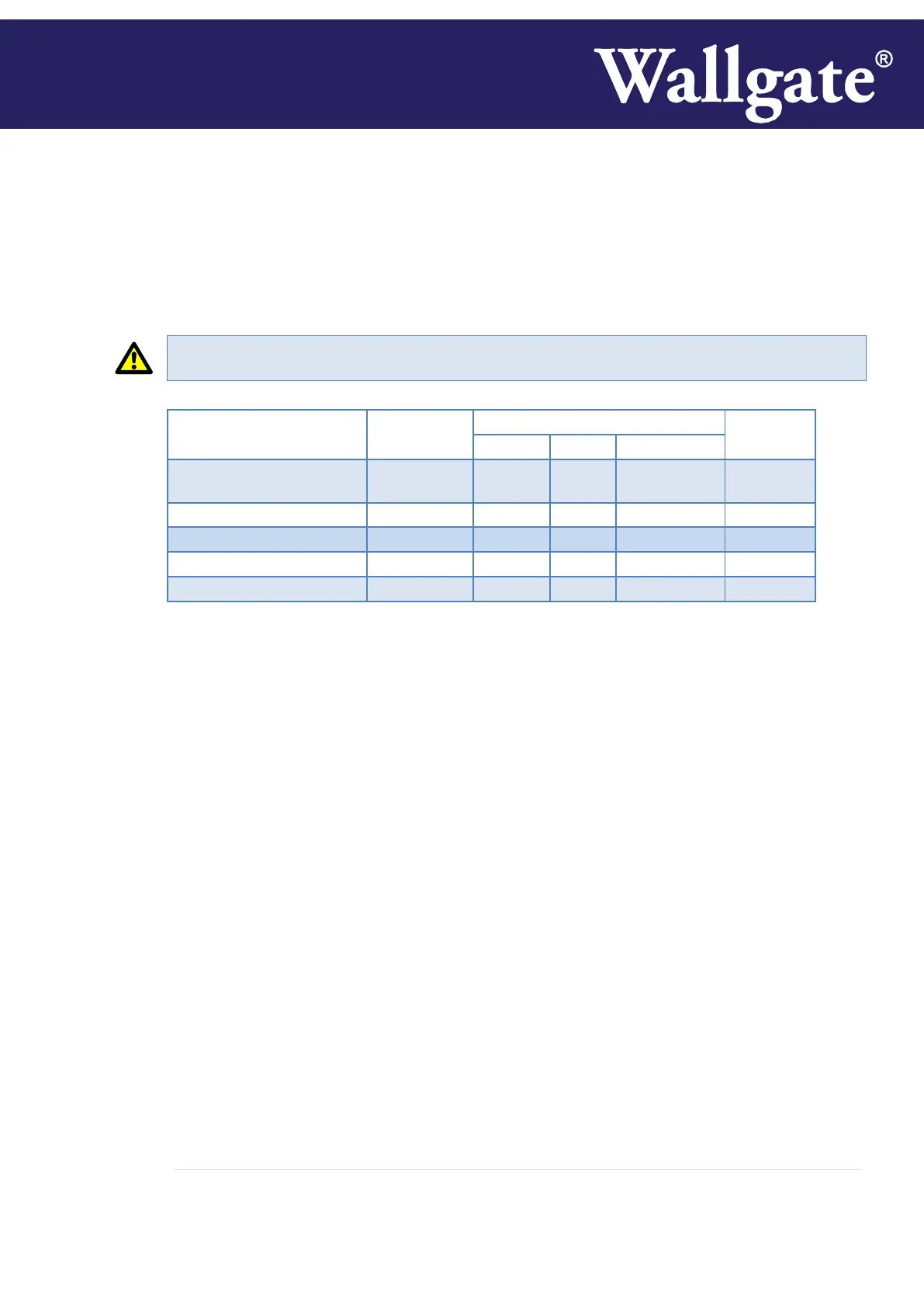
Fig. 19 F-Functions table for Water, Dryer and Soap times (shown in order of operation)
1 To change the settings you will need to enter the programming mode, press and hold ‘MENU’,
‘SELECT’ and ‘ENTER’ buttons simultaneously for 5 seconds see Fig. 18. After this period the
display will read ‘F 01’.
2 With ‘F’ menu item displayed (as shown in the Fig.19), momentarily pressing the ‘UP’ and ‘DOWN’
buttons will move up and down the menu selection.
3 When the desired menu item is selected, press the ‘ENTER’ button to confirm. The display will
show the current value, flashing, for that menu item.
4 To adjust the flashing value, press the up or down button as required.
5 To save the required value, press the ‘ENTER’ button. This action saves the value and switches the
display back to the selected menu item.
6 For further adjustments repeat steps 1 to 5, or to exit the programming mode momentarily press
the Menu Select button. A 20 second period of inactivity will automatically exit the programming
mode and revert to displaying the time.
Instructions can be downloaded from the Wallgate web site or contact Wallgate Ltd to:
Restore the unit to factory default settings.
Instructions to change the cycle sequence of soap – water – hand dryer.
Soap dosage liquid
Soap dosage foam


 To Next Page