The Purge Cycle sequence does the following:
• Runs the basin hot and cold water for 3 minutes.
• Runs the showers for 3 minutes.
• Flushes the WC pan in Room 1 twice (2 x Full flush with cistern refill time of 30
seconds between each flush).
• Flushes the WC pan in Room 2 twice (2 x Full flush with cistern refill time of 30
seconds between each flush).
To start the Purge Cycle function:
Fully open the isolating taps to the water supply.
Carefully check the system for leaks.
Switch ON the electrical supply.
Start the Purge Cycle by pressing and holding down the and keys
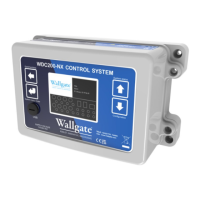
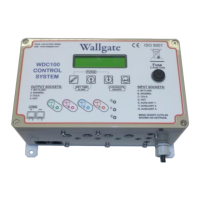
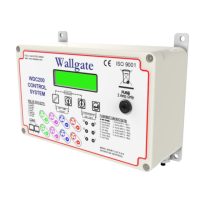
simultaneously for five seconds. Refer to figure 3 on page 14 for a picture of the
front panel.
The words Chlorine Purge are displayed along with the countdown clock.
Make sure that water flows freely from each basin, shower and WC cistern.
To stop the cycle, switch off the electrical supply to the electronic control unit.
Correct any problems such as blockages before you run the purge cycle again.
The control unit has various function settings that can be enabled or disabled.
The settings are given in section 7, WDC200 Menu Settings.
5.10. Lockout function
The Lockout function restricts the number of usages for the basin/bath, shower and
WC. The Lockout feature is disabled by default.
The default Lockout settings are as follows; these can be reconfigured as required:
• 10 cycles for the basin/bath.
• 4 cycles for the shower.
• 4 cycles for the WC.
When the set permitted usage is exceeded, the item is locked from use for a period
of time. The lockout time starts from the first illegal attempt to activate a function but
if it is preferred that the time should start from the expiry of the last legal operation,


 To Next Page