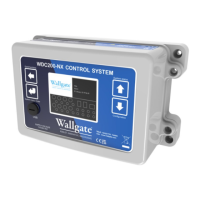
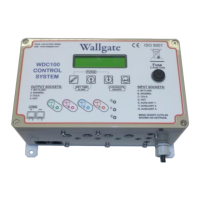
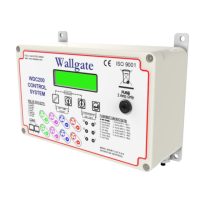
When the Lockout function is enabled, the hot and cold basin outlet can be
operated for a maximum of 10 times over a 1-hour period, the shower 4 times over a
1-hour period and the WC 4 times over a 15-minute period.
When the maximum permitted number of operations for any valve is exceeded the
valve is locked out (inoperable) for one hour in case of the basin and showers and
15 minutes for the WC flush valve. The settings for the Lockout feature can be
adjusted. The Lockout feature can also be enabled or disabled. The Lockout
feature is factory set to Disabled. Refer to Table 6 on page 25 for more information
on the Lockout function.
You can adjust the period of operation for each function such as the basin, shower
and WC. The electronic control unit cannot control the water temperature for
example on a basin or shower.
6.2. Maintenance
Wallgate offers a comprehensive service package, details of which can be obtained
from our customer service department. A spare parts service is also available.
The electronic control unit does not have any user serviceable parts. In the event of
a fault, switch off the electrical supply and contact an authorised electrician to
replace the unit.
Any service or repair work must be carried out by a qualified engineer. During the
warranty period, the service or repair must only be done by a Wallgate engineer or
appointed service agent. Refer to the Wallgate terms and conditions for warranty
information.
7. WDC200 Menu Settings
Press and hold downhold down the and keys for 5 seconds to display
the Main menu, the firmware version appears.
Press the or keys to navigate the menu and submenus. You can also
use these keys to change the values of settings.
Press the key to select a menu item, or to modify a setting.
Press the key to navigate up the menu tree by one level.


 To Next Page