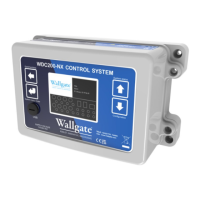
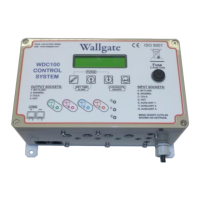
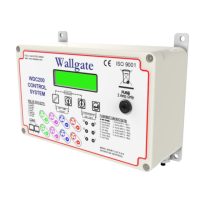
Product Manual WDC200 Electronic Control
Table 5. Important settings
This prevents more than one
outlet being operated at a time.
See Table 6 on page 25 for more
information on this setting.
Disabled, unless
factory set to
Enabled
See Table 6 on page 25 for more
information on this setting.
Dual Flush
(Double Press)
See Table 6 on page 25 for more
information on this setting.
The current date and time must
be set for some unit functions to
operate correctly. The unit will
default on power up to a specific
date and time, however, this date
must be modified. The blinking
message Set Date and Time
appears on a new unit during first
power up or whenever the correct
date and time is lost because of a
power failure. The default date
and time is then applied. The unit
has a minimum backup supply of
48 hours to avoid immediate loss
of the date and time settings. See
Table 6 on page 25 for
instructions on setting the date
and time.
Default setting is All, which does
not restrict product usage. Refer
to Table 6 on pages 28-29.
Refer to Table 6 on page 327
and 28.
Remote (AUX) Input
set up
I & J - Remote
Lockout
K & L - Remote
Flush
M & N - Half flush
The six Remote inputs can be
assigned to operate any of the
remote functions.
The below scenario details the lockout function using its default settings:
The Lockout function is used to prevent misuse of the sanitary facilities. The
function is used to limit the number of operations of any valve within a specified time
period.


 To Next Page