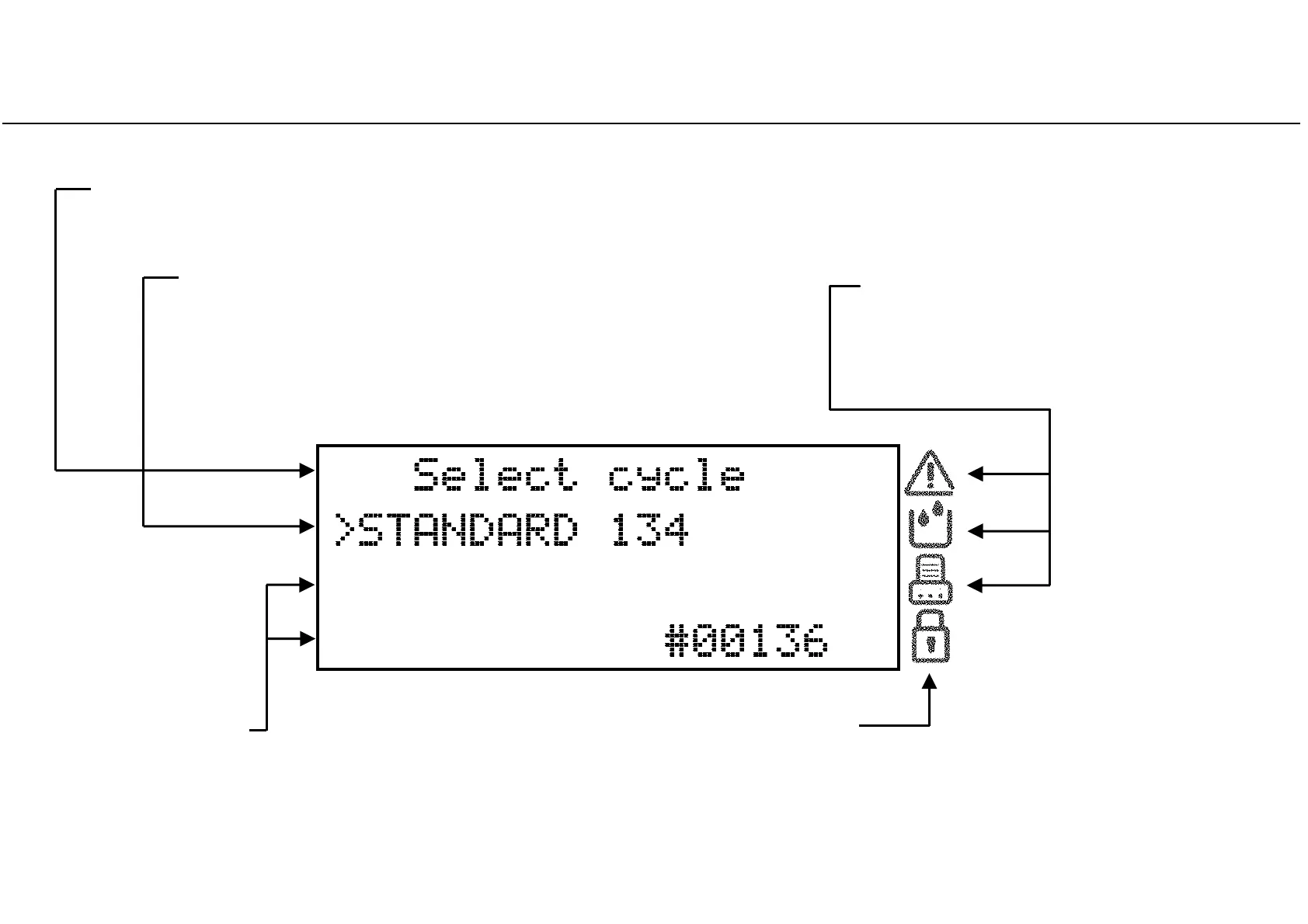
Display and icons
16
Third and fourth lines
Show additional information about the active option/action.
Warning, tank and printer icons
The cursor (
>
) preceding an icon means
that an information message is to be read.
“Padlock” icon
The cursor (>) preceding this icon
informs that the door is safely locked.
Second line
Shows the active option/action (preceded by the cursor >).
By pressing OK, the active option/action will be selected/executed.
Pressing UP or DOWN changes the active option/action.
First line
Shows the title/purpose of the current page and invites you to take an action (e.g. select a cycle).



 To Next Page