6. Running a sterilization cycle
25
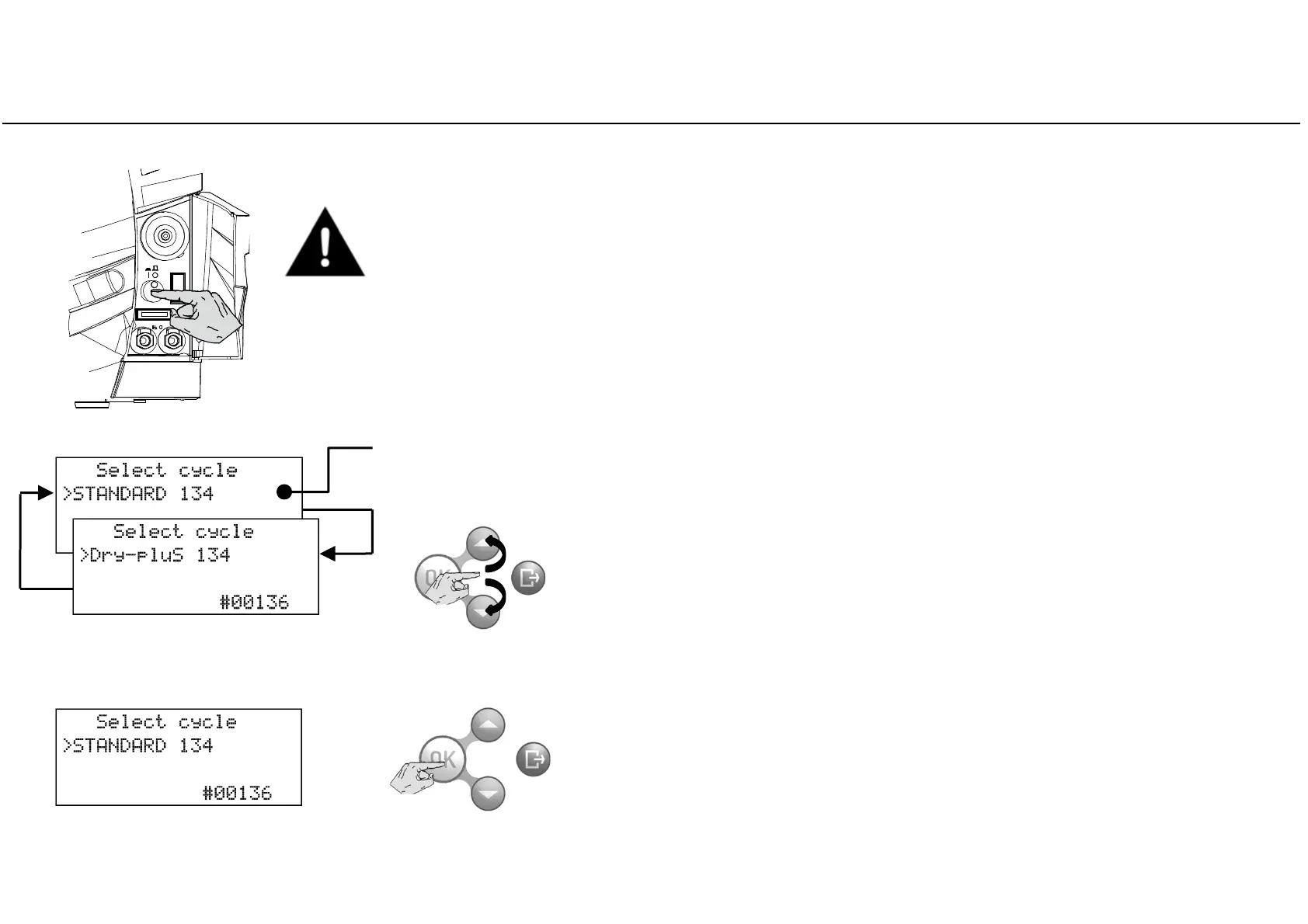
Switch the sterilizer ON by pressing the mains switch behind the service door.
Place the sterilization load in the sterilizer chamber and close the door.
See ANNEX 2 on how to properly prepare and place the load.
Select the desired cycle program by pressing OK.
To select a different cycle program scroll the available options by pressing
UP or DOWN.
The start screen will show the default sterilization program, preceded by the cursor.
(The default cycle program can be changed by the advanced user; see Chapter 5 – Programming).



 To Next Page