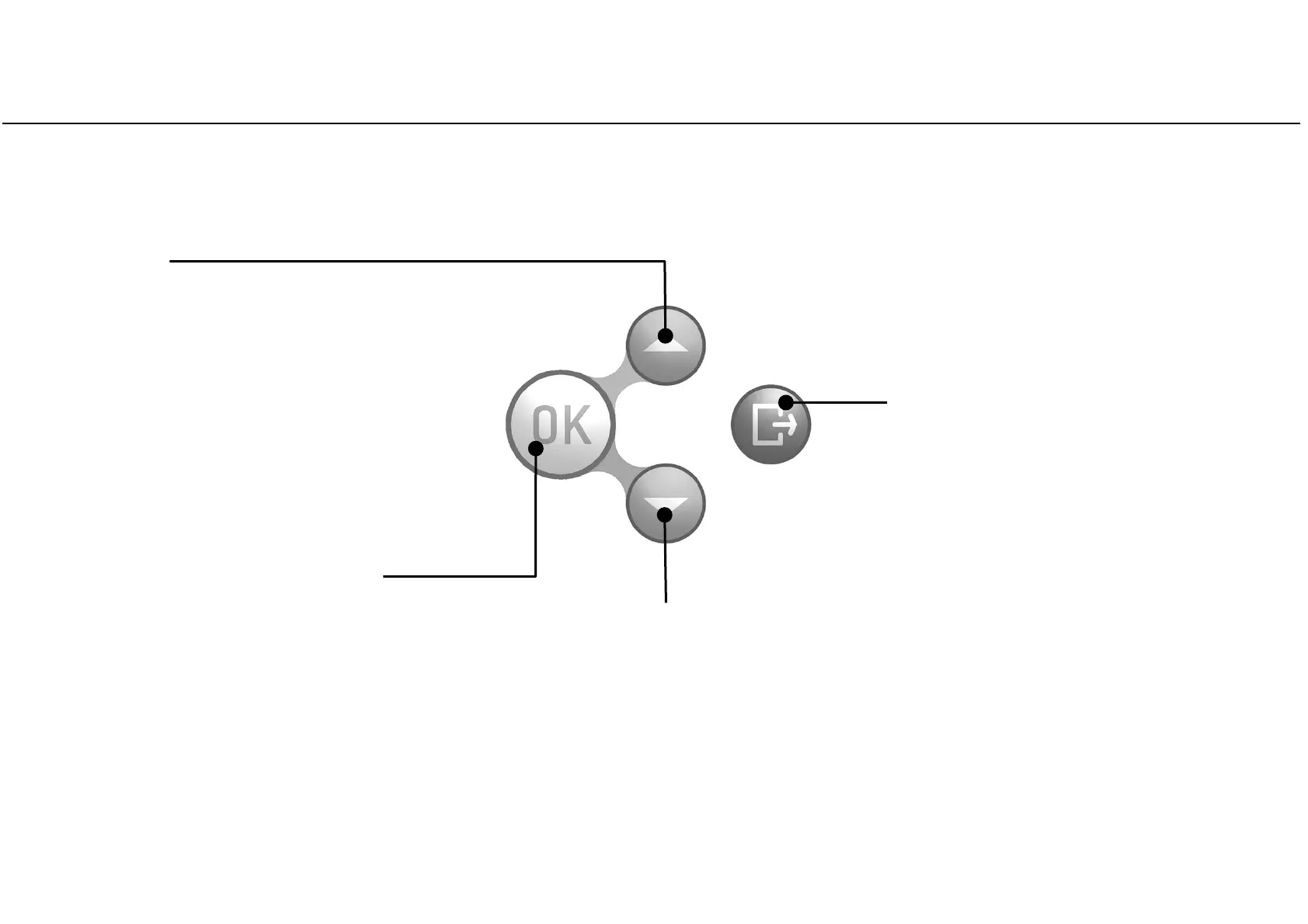
Control buttons
18
UP button
Moves to the upper item in the list.
Increases a number or a parameter.
BACK button
Aborts the action/function.
Moves to the previous screen
without confirming/making any
changes nor saving any parameters.
DOWN button
Moves to the lower item in the list.
Reduces/decreases a number or a parameter.
The control panel shows four buttons:
OK button (confirmation button)
Confirms the active option.
Confirms a number or a date.
Saves a configuration or a parameter.



 To Next Page