31
The “Delayed start” options
“Start in...” option
Sets a waiting interval before the cycle starts by increments of 10 minutes, up to 24 hours.
Press OK: the display shows the last interval used. Press UP or DOWN and then OK to select “Set start in...” to set a new interval.
By pressing UP and DOWN you can change the time interval. Press OK to confirm the change. The cycle will start after the programmed
interval. A countdown timer will appear on the display.
Press BACK at any time to abort the procedure.
“Start at...” option
Sets the time and date when the cycle starts.
Press OK: the display shows the last choice. If you accept it press OK, otherwise press UP or DOWN and then OK to select “Set start at...”
to set a new time/date: by pressing UP, DOWN and OK you can change the time/date. Press OK to confirm the change. The cycle will start
at the indicated time. A countdown timer will appear on the display.
Press BACK at any time to abort the procedure.
Stopping the countdown
During the countdown, you can press UP and DOWN to scroll between the two following options:
Press OK to stop the countdown and start the cycle immediately
Press OK to stop the countdown and return to the main menu (a further confirmation will be requested)
Select the desired option by pressing OK.
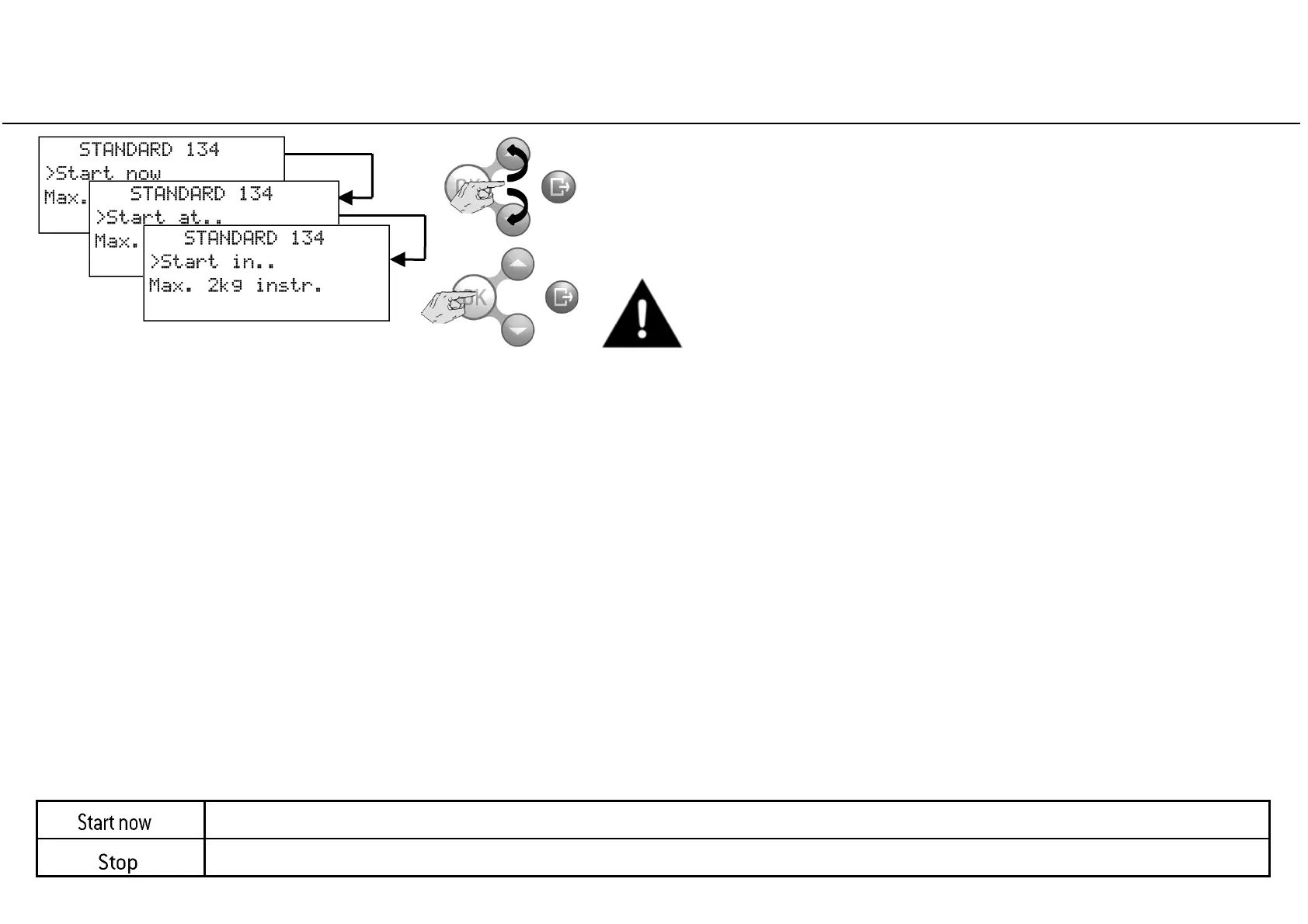
After selecting a cycle program, press UP or DOWN to scroll between
the “start now”, “start at...” and “start in...” options.
The delayed start option is not available for all cycles.



 To Next Page