33
Cycle in progress
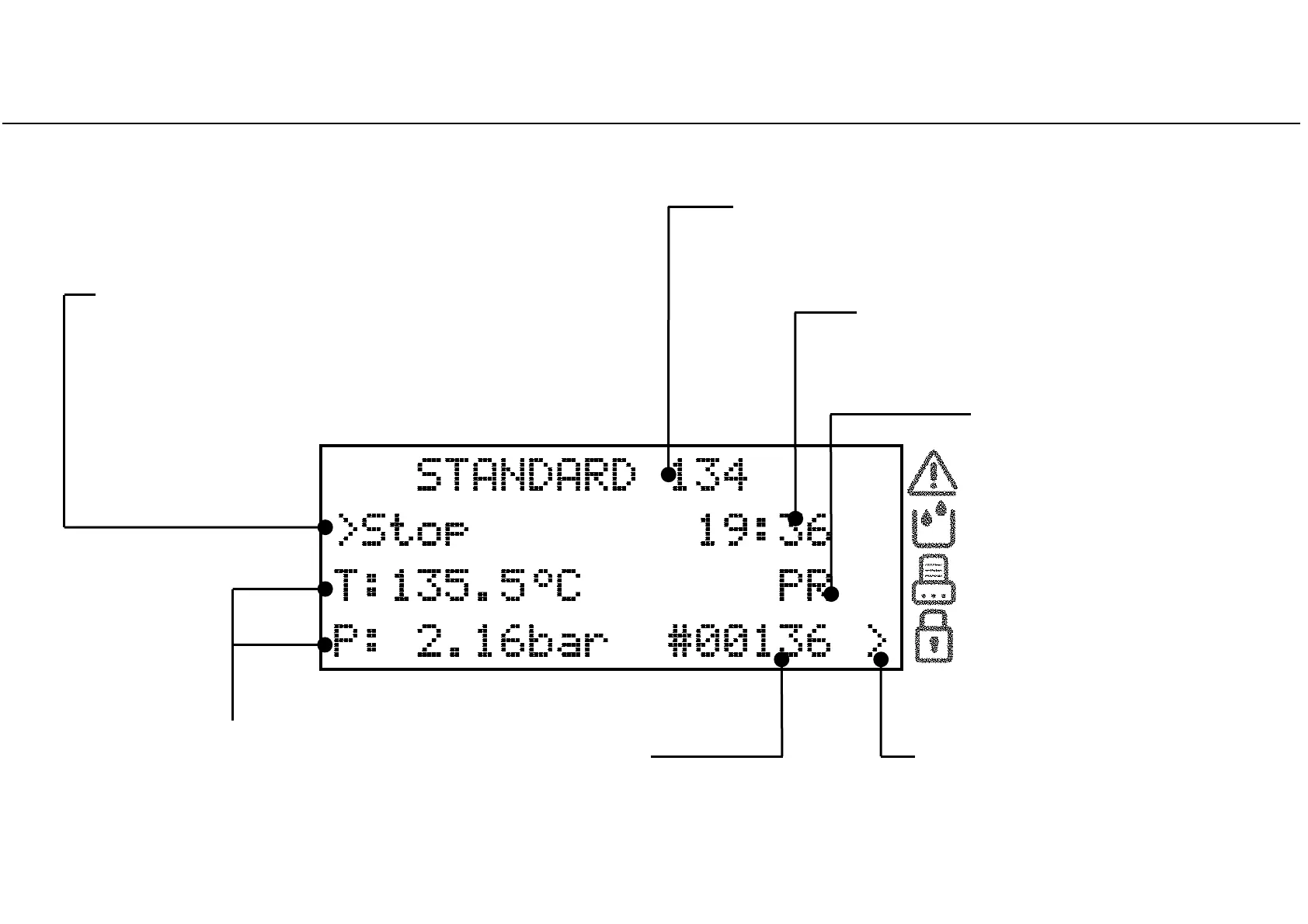
Information displayed on the screen while a cycle is in progress
Selectable options
(preceded by the cursor to the left)
By pressing UP or DOWN, certain options will be available
(e.g., changing the displayed information, aborting the
cycle, viewing messages, etc.).
Name of the current cycle
phase
(See cycle profile).
First line
changing between:
- Name of the current cycle;
- Progress bar (if enabled).
Cycle counter
Number of the current cycle.
Current pressure and temperature
of the sterilizer chamber.
Cursor near the "Padlock" icon
Indicates that the door is securely
locked.
Countdown
Approximate residual time until cycle
completion.



 To Next Page