The Duplicator 3 First Run Experience
The Duplicator 3 First Run ExperienceThe Duplicator 3 First Run Experience
The Duplicator 3 First Run Experience
Safety Information
Safety InformationSafety Information
Safety Information
1.1 Caution
CautionCaution
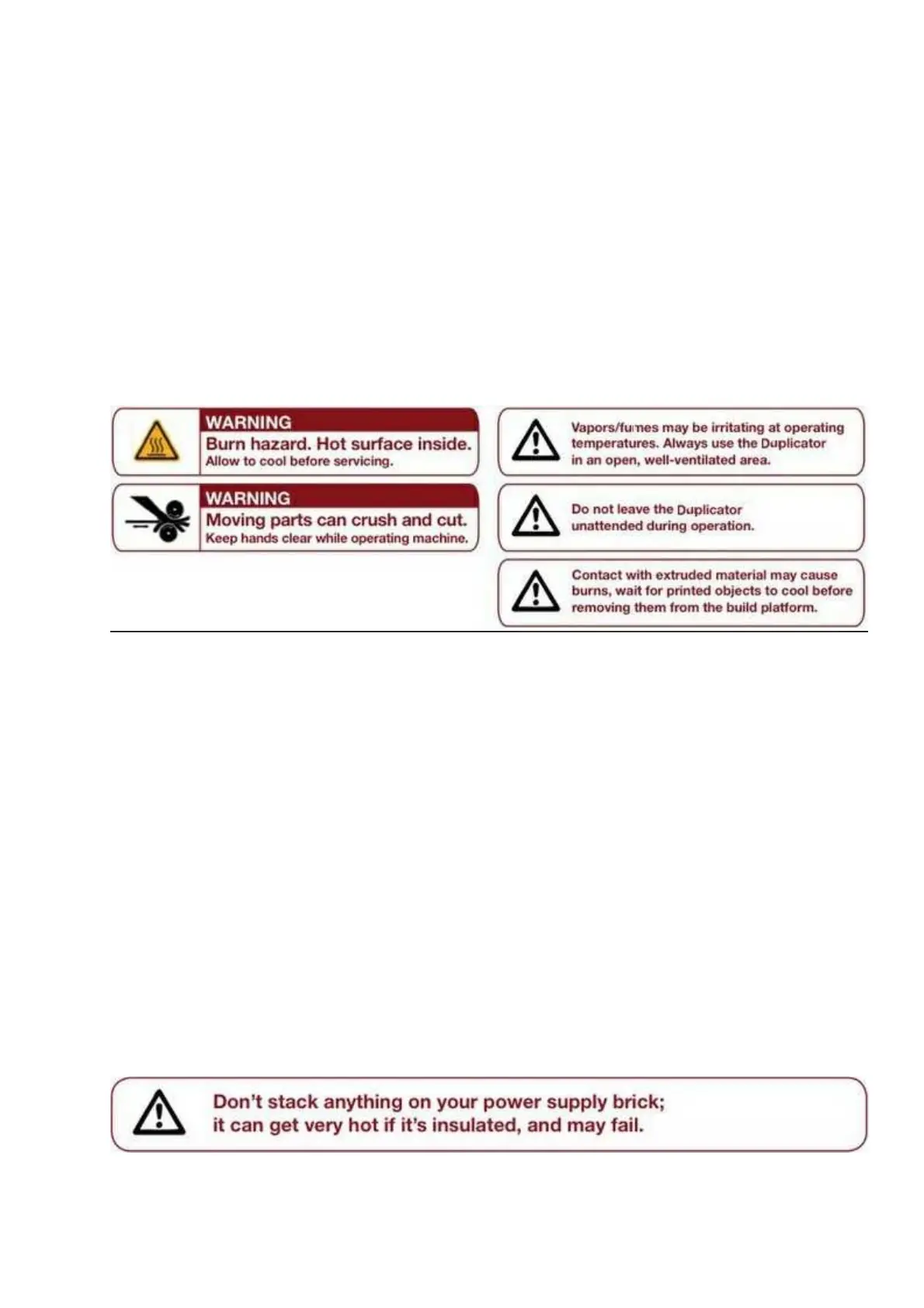
Caution: The Duplicator 3 generates high temperatures and includes moving parts that can cause injury. Never reach
inside the Duplicator 3 while it is in operation, and allow time for the Duplicator 3 to cool down after operation.
The Duplicator 3 is sensitive to electrostatic discharge. Make sure you don't have a static charge on you by
touching a grounded object before operating The Duplicator 3 or attempting any adjustments. If opening The
Duplicator 3 for service, ensure that the power supply is turned off and the cord is disconnected.
All set
All setAll set
All set
First, make sure that you’ve completed all the steps in the Unboxing and Hardware Setup section: your
StepStruder MK8 should be bolted in place, your filament guide tubes connected, and your spools of filament
mounted on the spool holders. You can plug in your power supply now, too. 2.1















 To Next Page