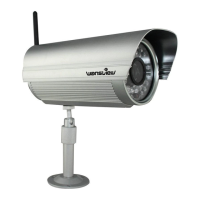
Enter "Motion Detection". The user can set 4 detection
areas and sensitivity for each area ranging from 1-100. The
higher the value, the higher sensitivity will be.
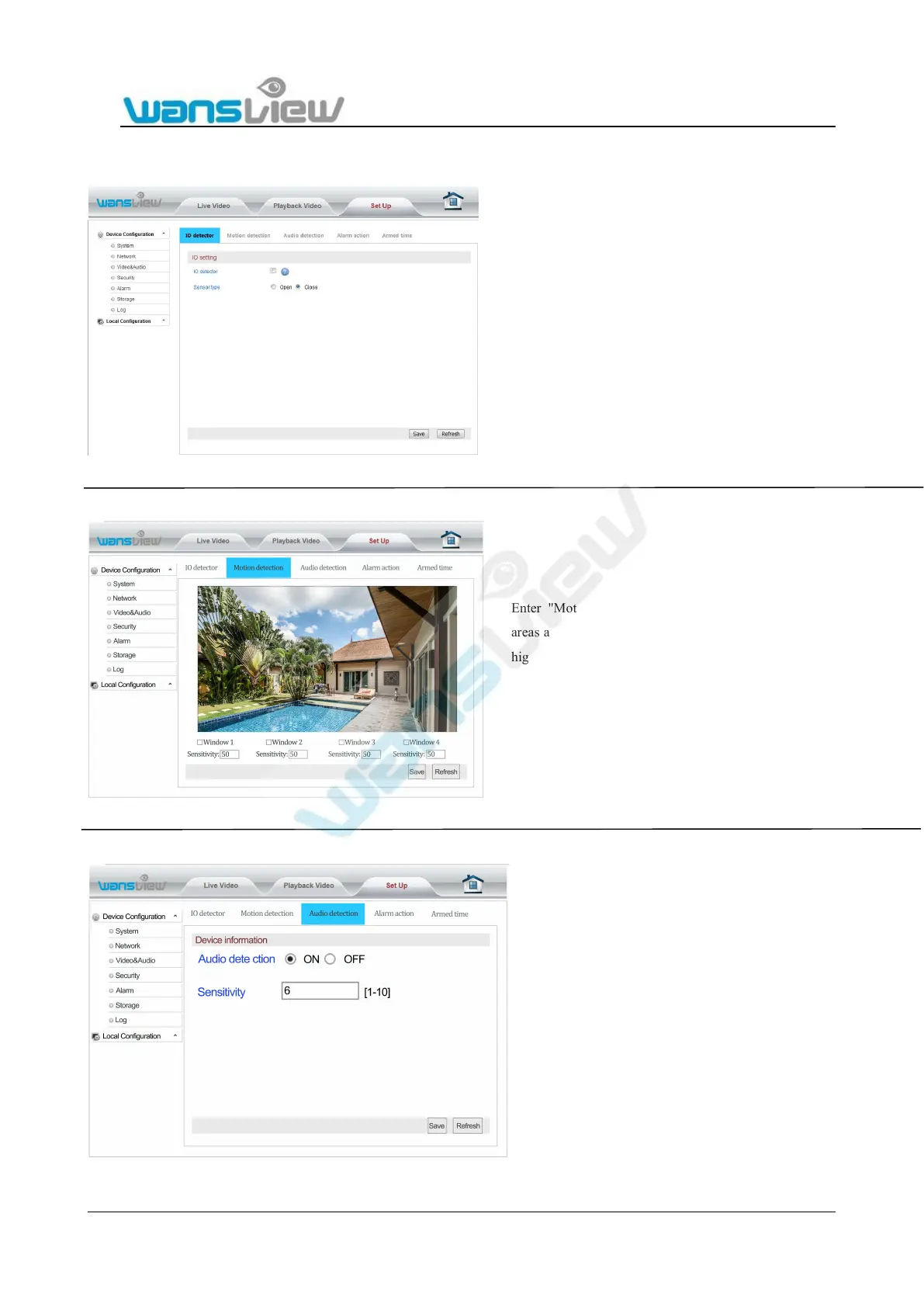
The camera with alarm in/out socket(Please see 2.1 Product
profile). You can connect an external motion detector to improve
motion alarm function of your camera. Simply connect the
motion detector to alarm input socket and activate the external
input. You also can connect an external alarm output device,
connect the external alarm output device to alarm output socket
and activate external alarm output.
Here you can enable or disable external alarm in/out.
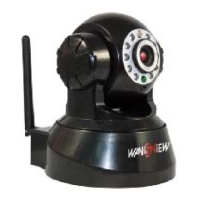
EnterAudio Detection to start up audio
detection and alarm function. In addition,
detection sensitivity setting can be set


 To Next Page