Support Email/ Skype: service2@wansview.com 56
6.7 Local menu bar
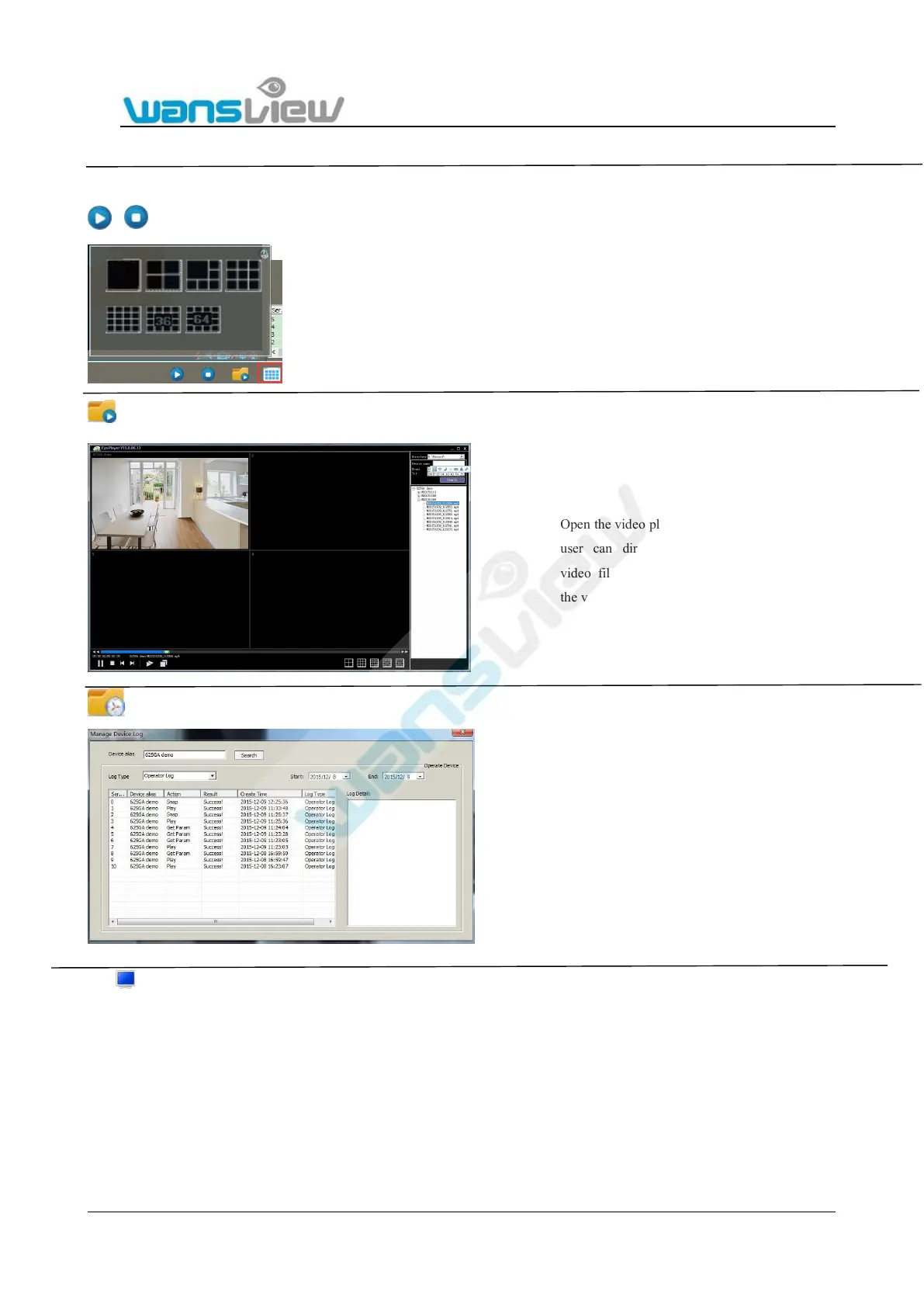
Play /close all devices in device list
View Camera on Multiple windows
Playback and Query Recorded video
Manage device Log
6: Full screen mode
Open the video playback player so that the
user can directly access corresponding
video files of each camera according to
the video path.
On this icon, users can query camera
operation, such as detailed operation time for
Play, Snapshot Record, Get Param, as well as
log type etc.


 To Next Page