24
07610-004-37-37-P
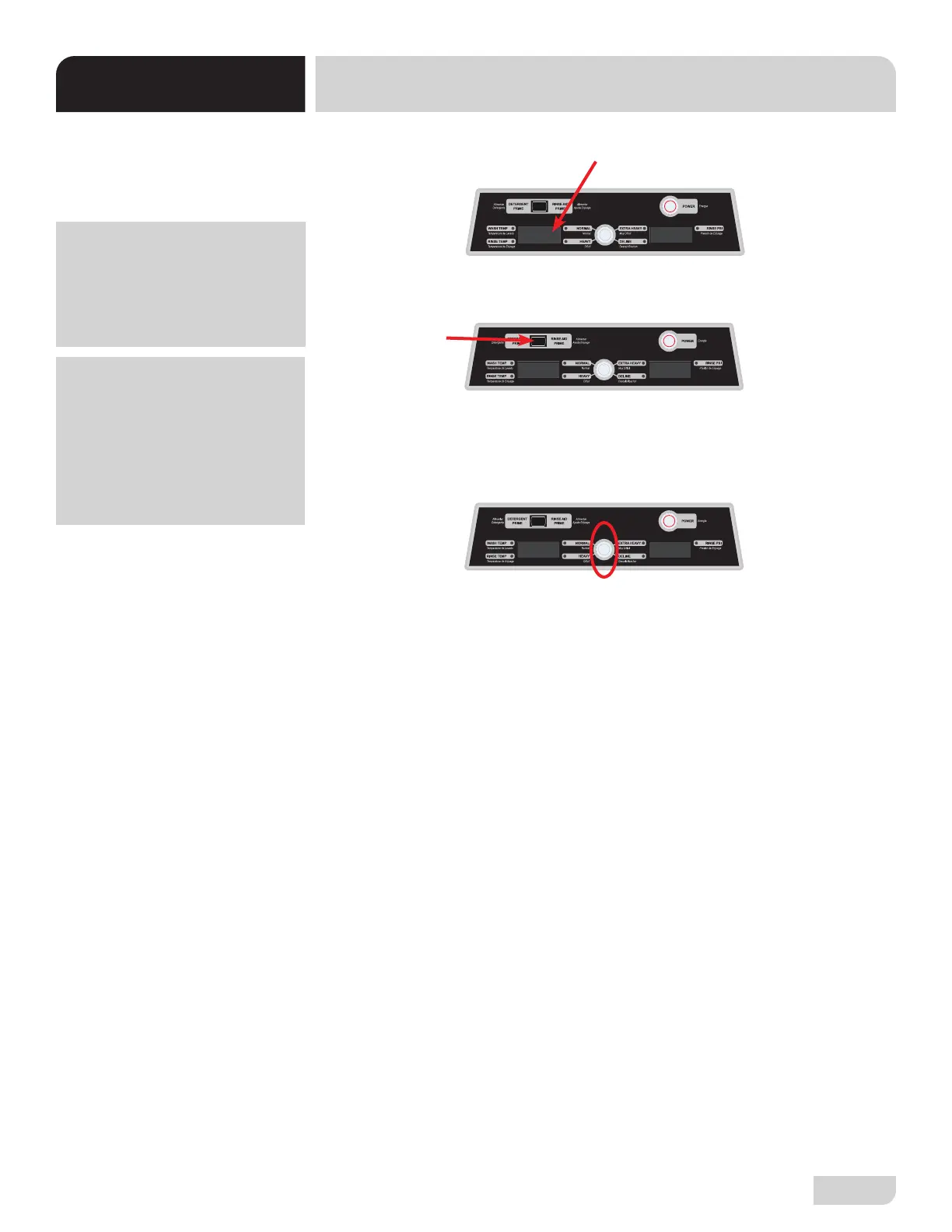
1. Once setting changes to temperature scale, °F or °C will ash on and o.
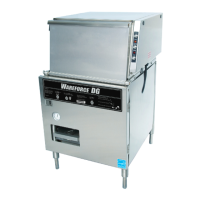
2. Press prime button to switch to other setting.
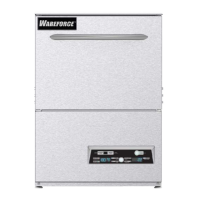
3. Once desired scale is selected, press and hold cycle button a minimum of three
seconds and no more than ve seconds (after three seconds scale will stop
ashing). Release cycle button to accept and move to next setpoint (back to
wash temp).
TEMPERATURE
SCALE
TROUBLESHOOTING
UH30-FND SETPOINTS
To exit Setpoints at any
time, hold cycle button a
minimum of six seconds.
Display will stop ashing
and return to wash
temperature. Machine is
ready to operate.
°f
°C
°C
If there is no activity
(button presses) for 30
seconds, display will exit
Setpoints mode without
saving changes.


 To Next Page