24/7 Technical hotline - Ligne d’assistance technique - Línea de asistencia técnica
US 1.888.927.6333 / CA 1.888.592.7687
13
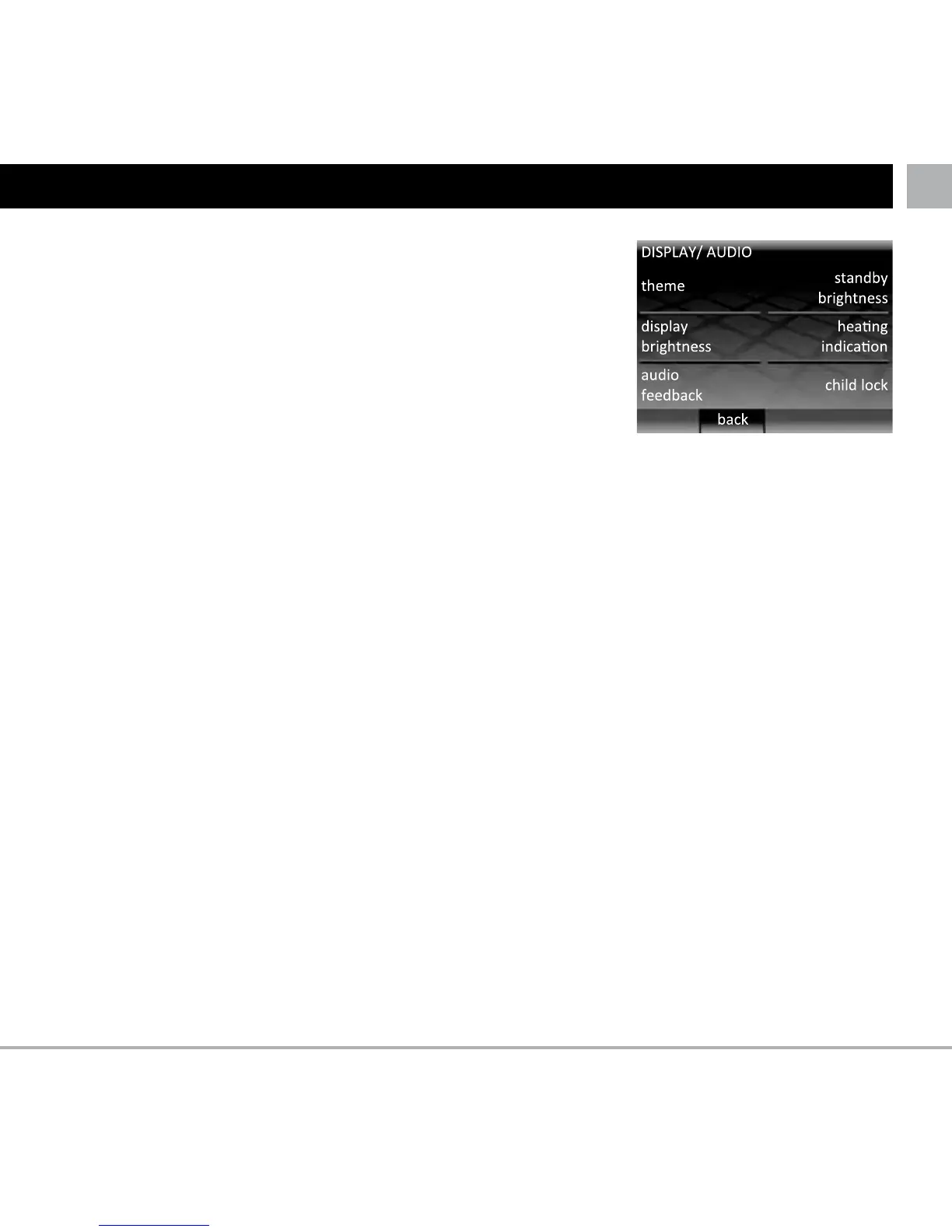
SETTINGS
Theme
• Change the content and style of home screen and
standby screen
Standby brightness
•Setthe brightnessof the LCDscreenin standby mode
between 0 (dimmest) and 5 (brightest)
Note: when set to 0 the LCD screen will turn OFF and
the “wake” LED will not be illuminated. You will need to
remember that you turn the screen on by pressing
Display brightness
• SetthebrightnessoftheLCDscreeninnormaloperation
between 1 (dimmest) and 6 (brightest)
Heating indication
• Thisfeatureallowsyoutoturnofftheheatingindication
LED (top right of the LCD screen). The thermostat will
continue to operate as normal but the LED will not turn
on to indicate when heating has started and stopped.
Audio feedback
• Thisfeatureallowsyoutoturnoffthebeepsoundmade
when a button is pressed
Child lock
• Childlockcreatesadelaybetweenpressing“wake”and
exiting the standby mode. When child lock is on you will
need to hold “wake” continuously for 10 seconds in order
to exit standby mode.



 To Next Page