12
24/7 Technical hotline - Ligne d’assistance technique - Línea de asistencia técnica
US 1.888.927.6333 / CA 1.888.592.7687
Your 3IE is a very flexible device and be configured in many
different ways to meet your requirements.
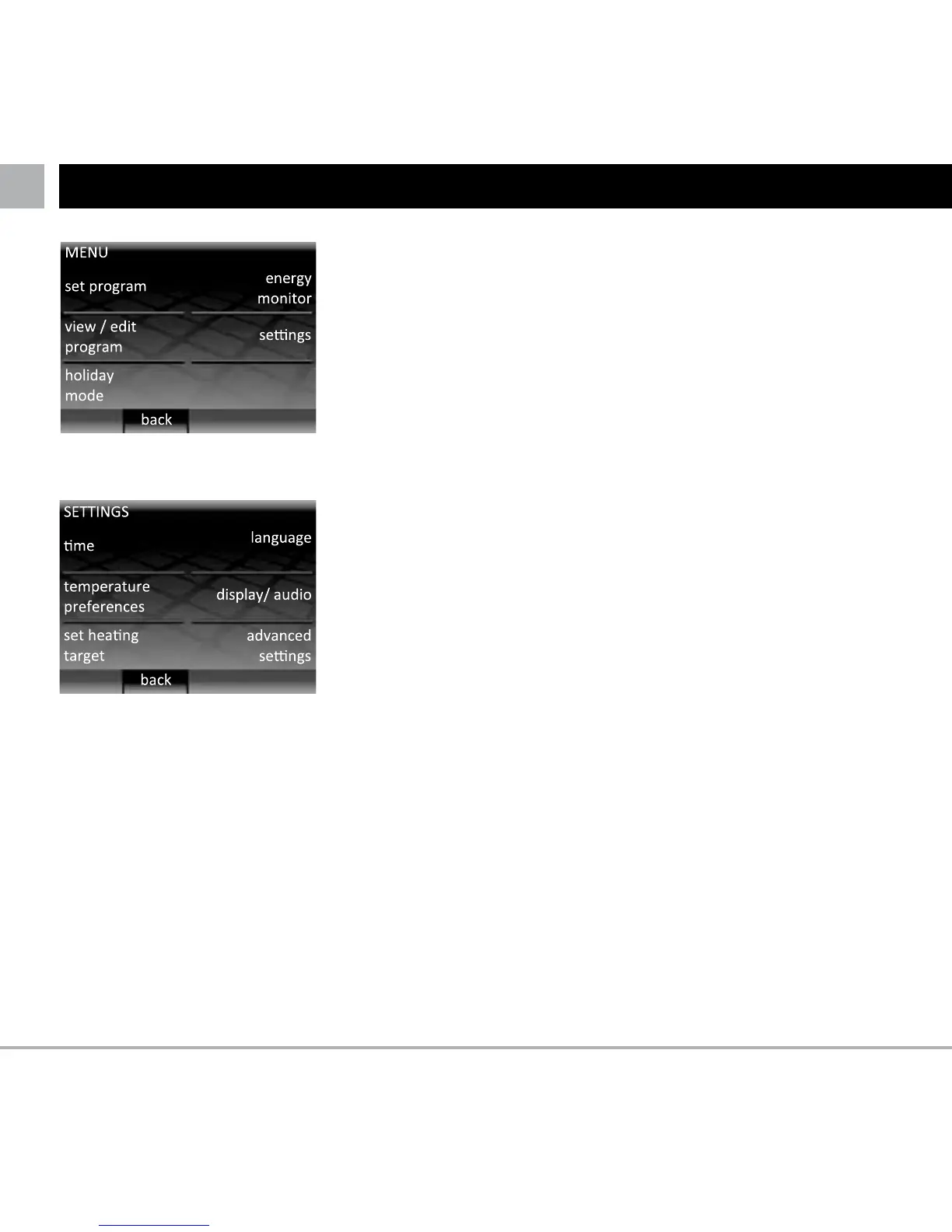
Functions that can be accessed in the “settings” menu
include:
Time
• Settimeanddate
• Set time format preference (12Hr clock or 24Hr
clock and date format preference (MM/DD/YYYY or
DD/MM/YYY)
• Turnonautomaticday-lightsavingsforyourregion
Language
• Selectthelanguageofoperations
Temperature preferences
• Selecttemperatureunitpreference(°Cor°F)
Display / audio
• Choosehomescreenthemeandsetscreenbrightness
• Turnon/offheatingLEDandaudiofeedback
• Turnon/offchildlock(detailsontheoppositepage)
Set heating target
• Select if your thermostat uses floor temperature
sensor or air temperature sensor for thermal regulation
(details : see page 14)
Advanced settings
WARNING!! The options in this section can affect the
performance of your thermostat and should only be
modified by an experienced floor heating installer or
under the instruction of Warmup technical support.
SETTINGS



 To Next Page