6
24/7 Technical hotline - Ligne d’assistance technique - Línea de asistencia técnica
US 1.888.927.6333 / CA 1.888.592.7687
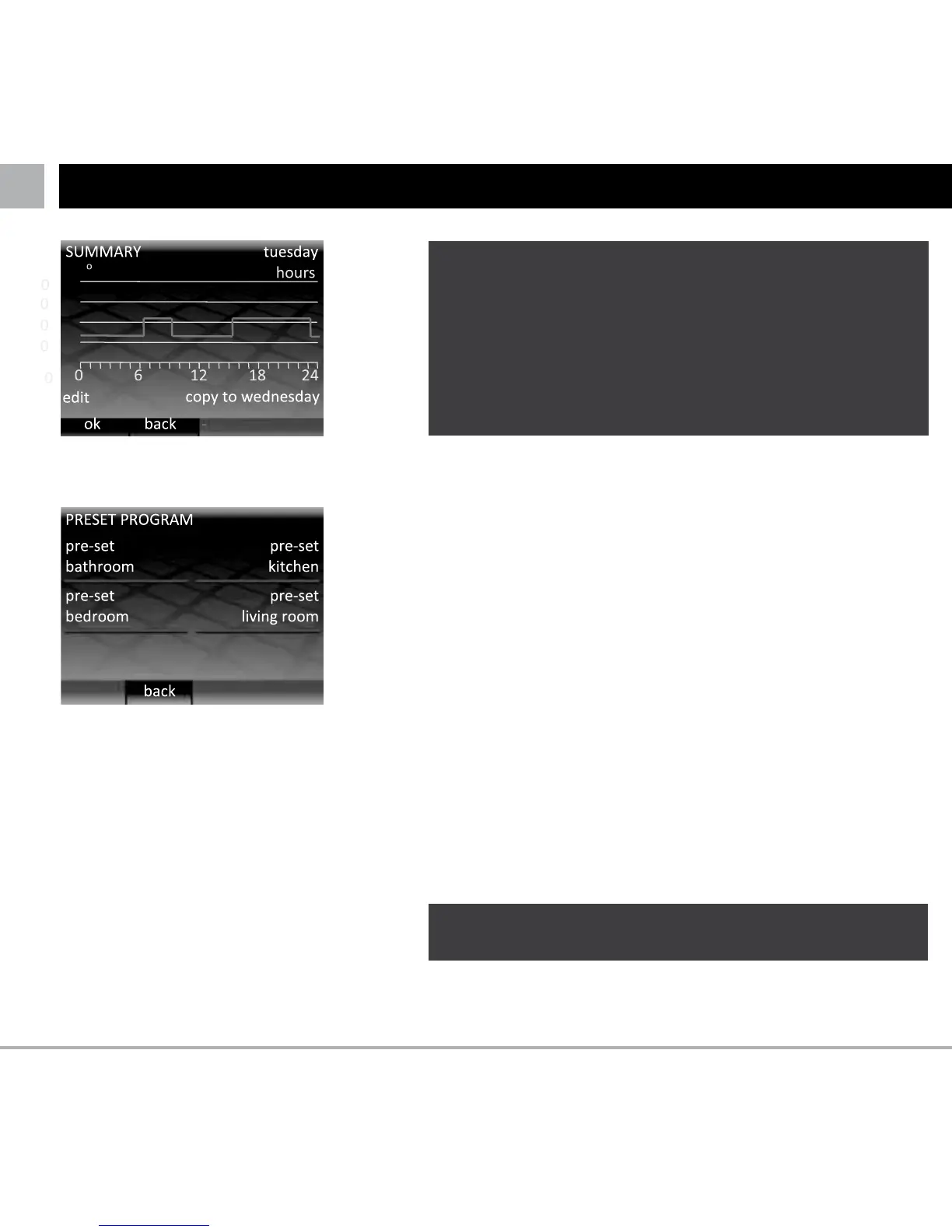
Once you have set all the desired periods in the day press
“OK” to go to the summary page.
This summary page allows you to see the program you have
set for this day. If you need to change something press
“edit”. This will take you back to the first period of the day.
Remember that you will need to add all the periods again.
If you are happy with the program and would like to set the
same program for the following day press “copy to …”
SETTING YOUR PROGRAM
LIt is recommended that you finish your daily program
on a low target temperature so that you save energy
overnight.
If you do not need the heating to protect against
frost then you can scroll down to the bottom of the
temperature range to set the target temperature to
“OFF”. With this setting the heating will not come on
regardless of the temperature.
If you are happy with the program but would like to set a
different program for the following day press “OK”
If you would like to return to the preceding day press “back”.
When you have set a program for all the days including
Sunday (or Weekend in the case of Weekday/Weekend) then
pressing “OK” will enter the schedule and return you to the
home screen.
LThe set temperature for the time before the first
period of the day comes from the night before.
104 F
86
68
50
- oor



 To Next Page