13
Settings
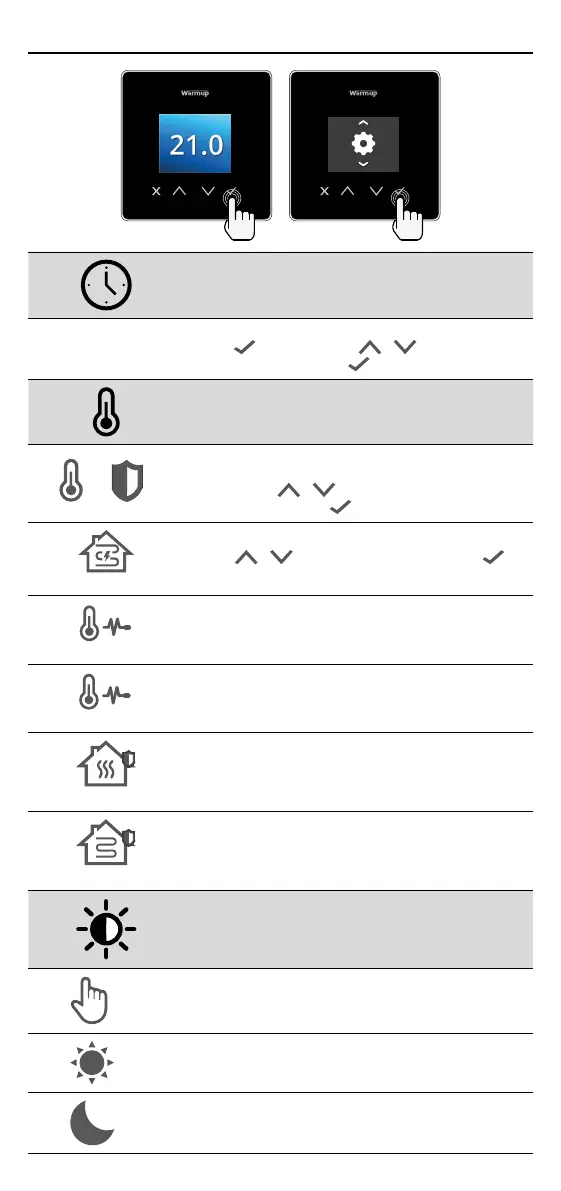
Date and time
6-5-2021
13:00
Set the current date and time.
Press to begin, press / to change date/
time. Press to conrm.
Thermostat application
1 2
Swaps probe usage, 1 being the Control Sensor
Probe and 2 being the Limit Sensor Probe.
Press / to swap probe usage.
Press to conrm.
See Table 1.0 Thermostat Application.
Press / to change application. Press to
conrm
1
Change Control Sensor Probe 1 (5 & 6) type.
Set between 5, 10, 12, 15, 100K sensor settings.
2
Change Limit Sensor Probe 2 (6 & 7) type.
Set between 5, 10, 12, 15, 100K sensor settings.
Set Air limit
Set Floor limit
Set display brightness
4
Set active brightness
2
Day standby brightness
2
Night standby brightness



 To Next Page