7
Step 3 - Thermostat Mounting
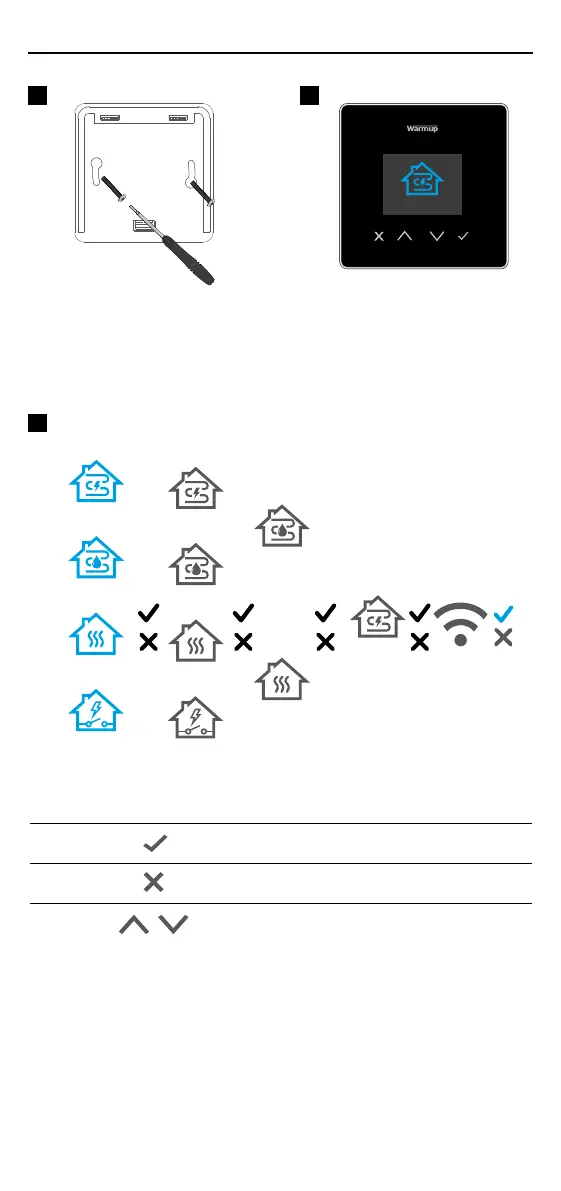
Insert xing screws through
mounting holes of the power base
and tighten.
Re-attach the front housing until a
“click” is heard. You can now power
up the 6iE mini.
1
2
System
type
eUFH
hUFH
Conventional
eUFH + relay
Input
wattage
Input
eciency
Thermostat
application
(1-12).
See table 1.0
WiFi Setup
Open
MyHeating
app. Scan
QR Code
3
Follow the on screen icons to set up your system.
Accept
Back/Cancel
Up/Down
Change value/setting



 To Next Page