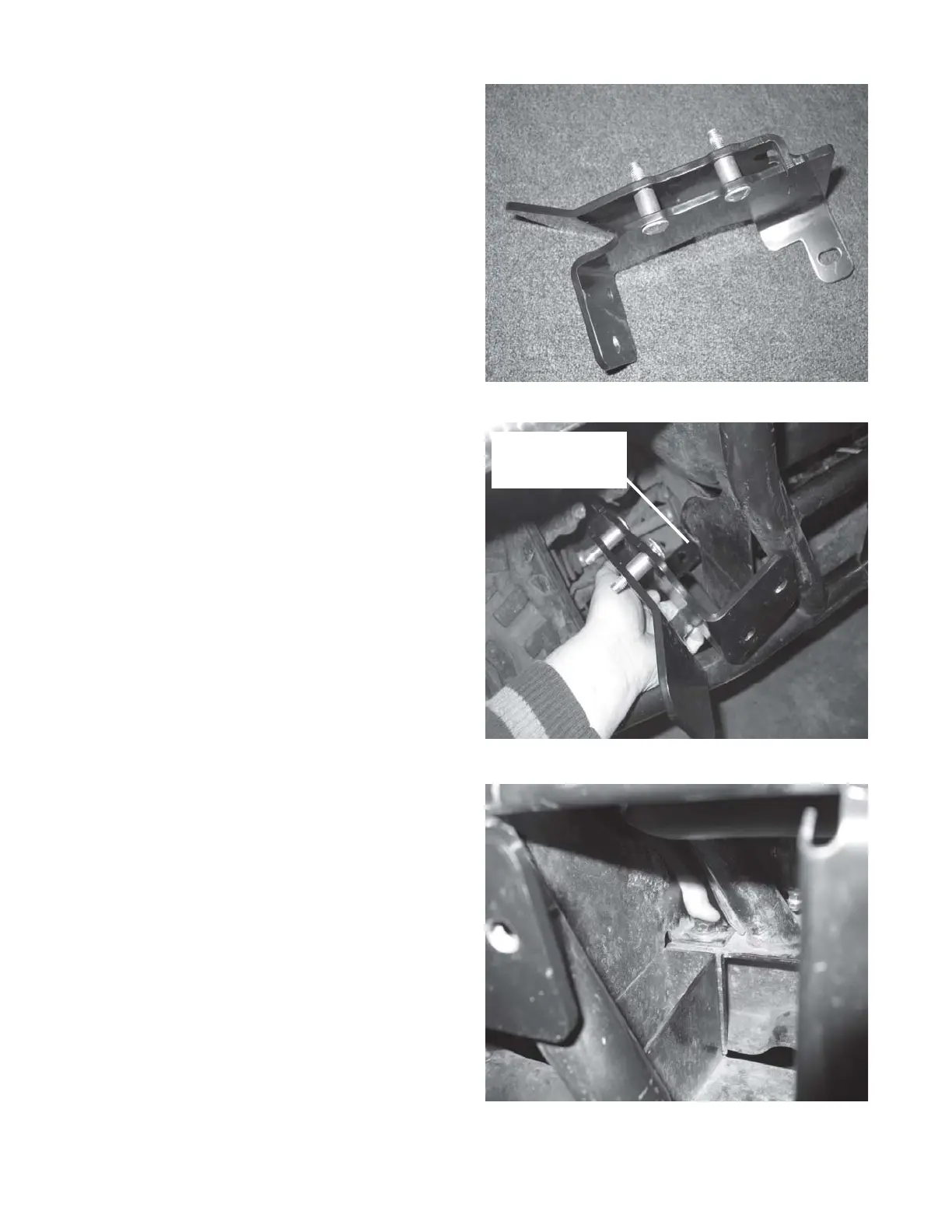
WARN® INDUSTRIES PAGE 5 72171 Rev A0
4. Loosely install the mounting brackets to the
vehicle using the 7/16” hardware in the rear
replacing the bumper mounting hardware
removed in step 2. Do not tighten. See
Figure 4 and 5.
3. Locate the left and right mounting brackets in the
kit. Insert the four 5/8” dia x 3/4” long bronze
spacers between the flanges of the mounting
brackets with the 3/8” dia x 2” long carriage bolts.
See Figure 3.
Figure 3 Install carriage bolt and bronze spacer to bracket
Figure 4 Install brackets to vehicle lower frame
Figure 5 Install bracket hardware, washer both sides
Install mounting
bracket tab on inside
of frame channel



 To Next Page