©2012 Warn Industries, Inc.WARN® and the WARN logo are trademarks of Warn Industries Inc. 4 90326A0
INSTALLATION INSTRUCTIONS
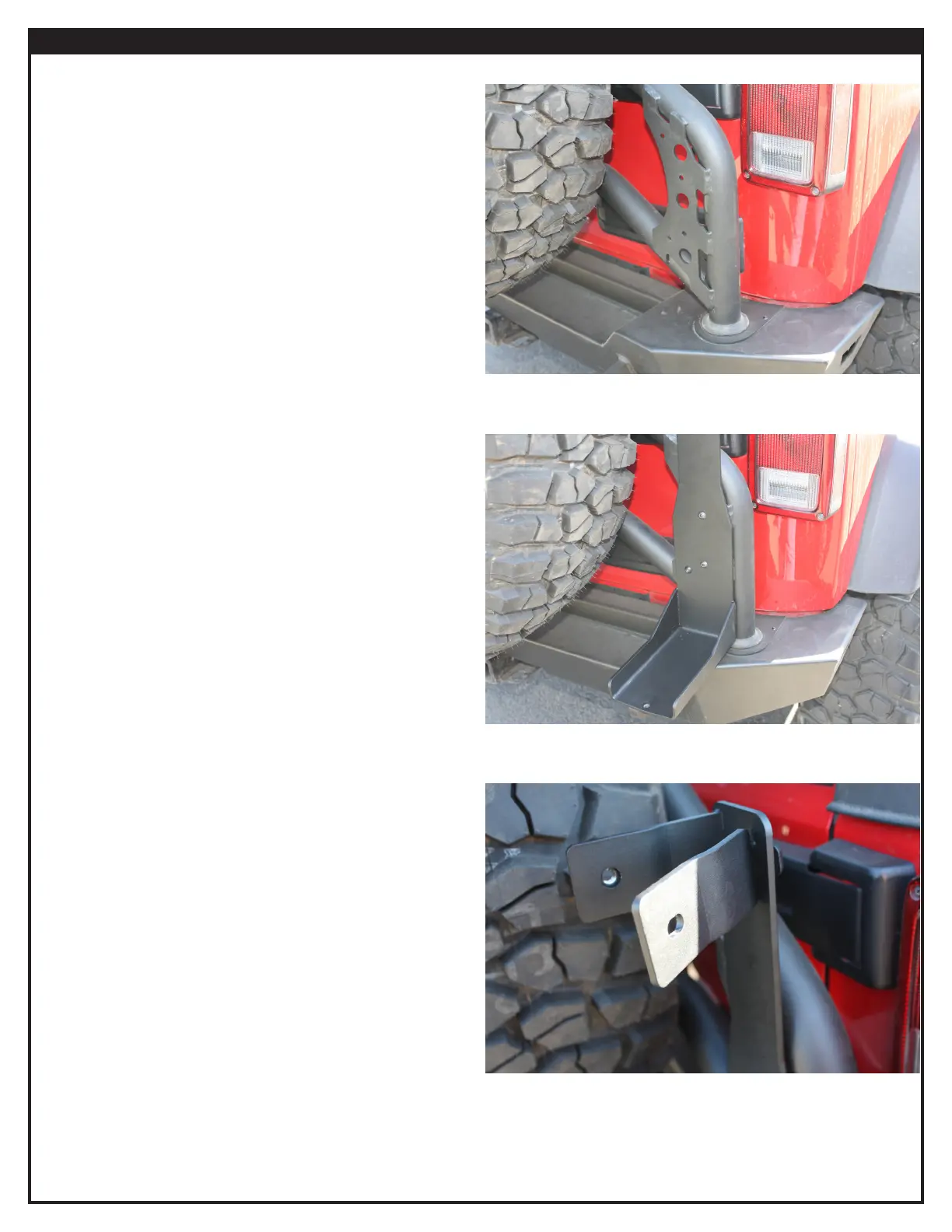
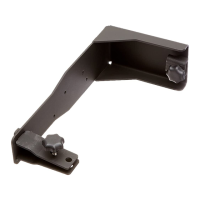
1. Figure 1 shows the mounting location for the high lift jack
mount. Locate the four small holes on the high lift plate.
These are the locations for the hardware.
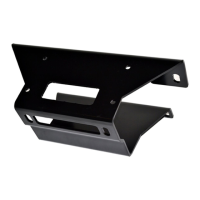
2. Using the button head fasteners provided in kit, attach the
high lift mount to plate (Figure 2).
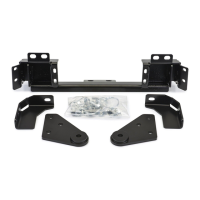
3. Locate and insert the tab into the High Lift mount (Figure 3).
Figure 1
Figure 2
Figure 3


 To Next Page