QSG
2
Installation
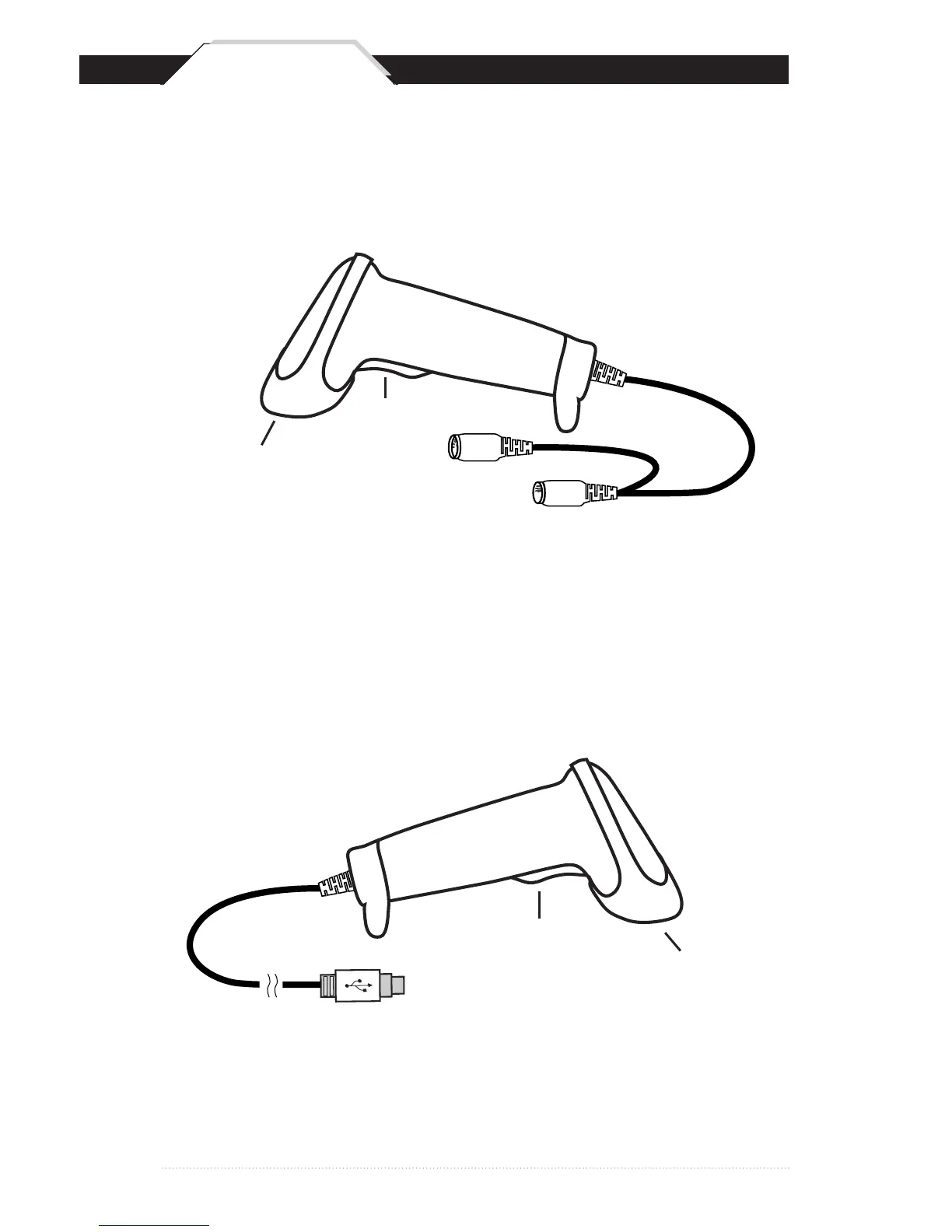
Trigger
Scanning Aperture
Din-6M
Din-6F
Trigger
Scanning Aperture
USB Port
1. Plug the USB of the WLR8950 Scanner directly into your PC’s USB port.
1. Turn off your computer.
2. Unplug your PC keyboard cable and plug the male end (Din 6) of
the WLR8950 Scanner directly into your PC keyboard port. Plug your
keyboard cable into the other end (female Din 6) of the the scanner.
3. Turn your computer on.
USB Scanner
PS2 Scanner



 To Next Page