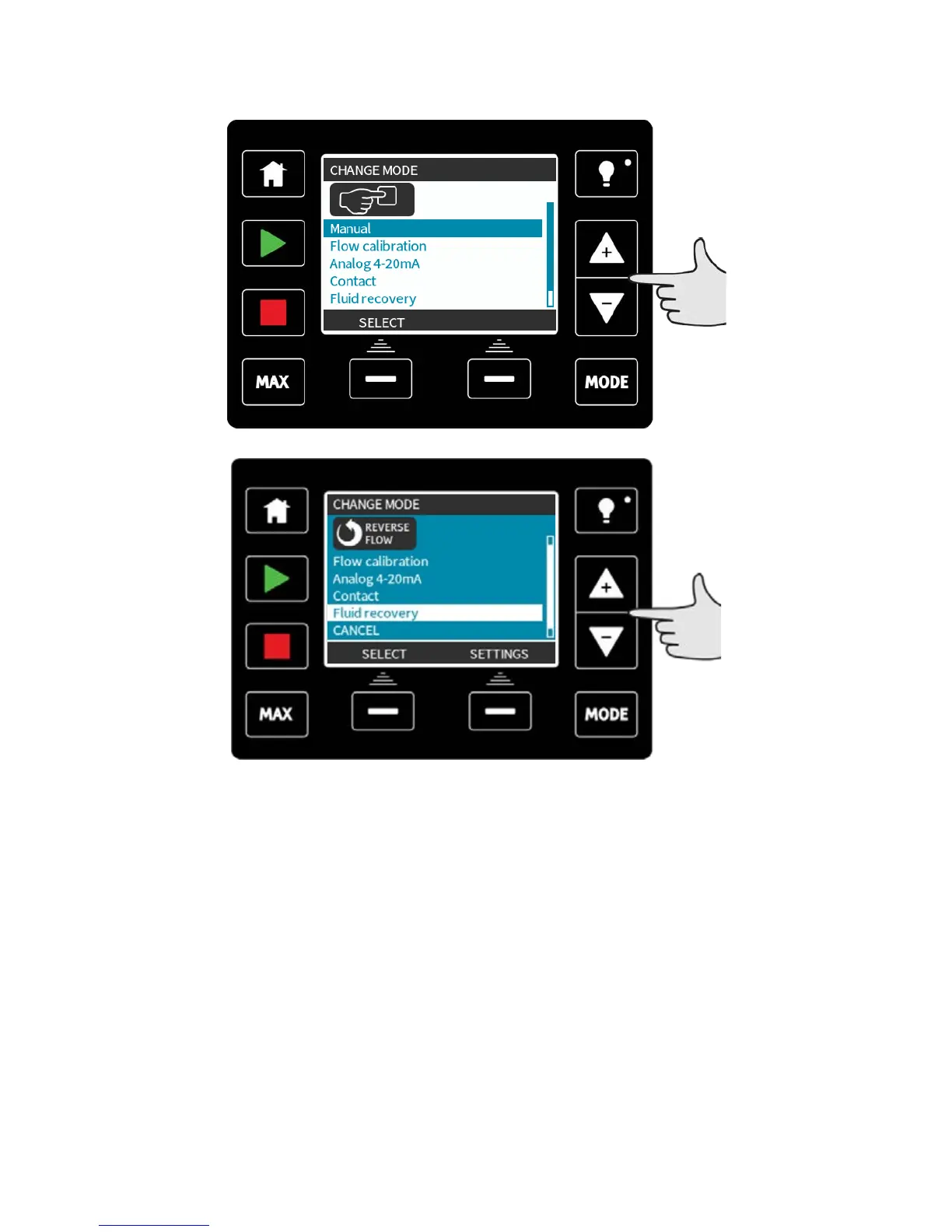
Switching between modes (Manual, PROFIBUS, Universal and Universal+ only)
Note: Remote model does not feature selectable modes.
Using +/- keys will scroll through the available modes. The available modes are:
l Manual (default)
l Flow calibration
l Analog 4–20mA (Universal and Universal+ only)
l Contact mode (Universal+ only)
l PROFIBUS (PROFIBUS only)
l Fluid recovery
l CANCEL
Use SELECT to choose mode. Use the right hand function key to alter mode settings.
m-qdos-en-02 48










 To Next Page