8
BT-D03-MOI-FR-W-EN-06-19
ENGLISH ENGLISH
EN
EN
5.1 Change temperature setting
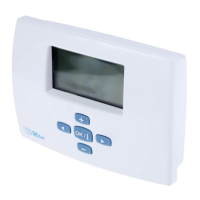
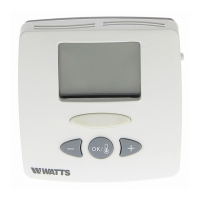
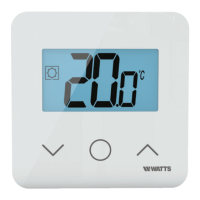
Wake-up the thermostat by pressing any
key.
Press
or , to change the tempera-
ture set point (digits starts to blink).
By pressing
key, temperature set point
value is validated.
5.1.1 Boost/Timer mode
In mode boost, set point temperature is
applied during a selected time.
After this time, thermostat will return to
former mode.
You can first adjust, the desired setting
temperature with
or , press key, to
validate, default value 24°C.
In a second time, you can adjust the du-
ration in hours “H” if below 24H, then in
day “d”.
5.1.2 AUTO mode
This mode is activated only when ther-
mostat is paired with a WATTS Vision
®
touch screen BT-CT02.
In Auto mode, the heating system will
follow program according to the current
time and the Comfort and Reduced setting
temperatures. By pressing keys
or ,
Boost/timer mode is selected, it override
the temperature set point (1h).
5.1.3 Comfort mode
In this mode, comfort temperature set
point will be followed all the time.
5.1.4 Reduced / ECO mode
In this mode, reduced temperature set
point will be followed all the time.
Note: In cooling mode, reduced mode acts
like the OFF mode (system is stopped, NC
actuators close).
5.1.5 Anti-freeze mode
Use this mode if you want to protect your
installation against freezing. (default value
7°C).
Remark: in cooling mode, Anti-freeze
mode acts like the OFF mode (installation
is stopped).
5.1.6 OFF mode
Use this mode if you need to switch off
your installation.
Be Careful: In this mode your installation
can freeze.



 To Next Page