CHAPTER 28 CLICK 400 235
Device ID
Gives the ID number of the device being configured, which is used
to identify the device when you are connecting to it. By default, this
number is the last five digits of the serial number, which can be found
under the About tab or on the barcode sticker on the bottom of the
device. It is recommended that you do not change this number unless
another device on your network has the same ID number.
RF Channel
Specifies the frequency channel of the device (the channels range
from 0 to 47). Each client and server must be on the same channel.
It is recommended that each system be on a dierent channel, since
the ranges on these devices extend for miles and sharing the same
channel with another location could result in interference.
Tx Power (1W Max)
Allows you to modify the power level in increments of 10%. The Click
400 transmit power can be reduced to decrease interference caused
by multiple radios.
Baud Rate
Allows you to change the baud rate at which the device connects to
the sensor.
Table 27.2 – Setup Tab
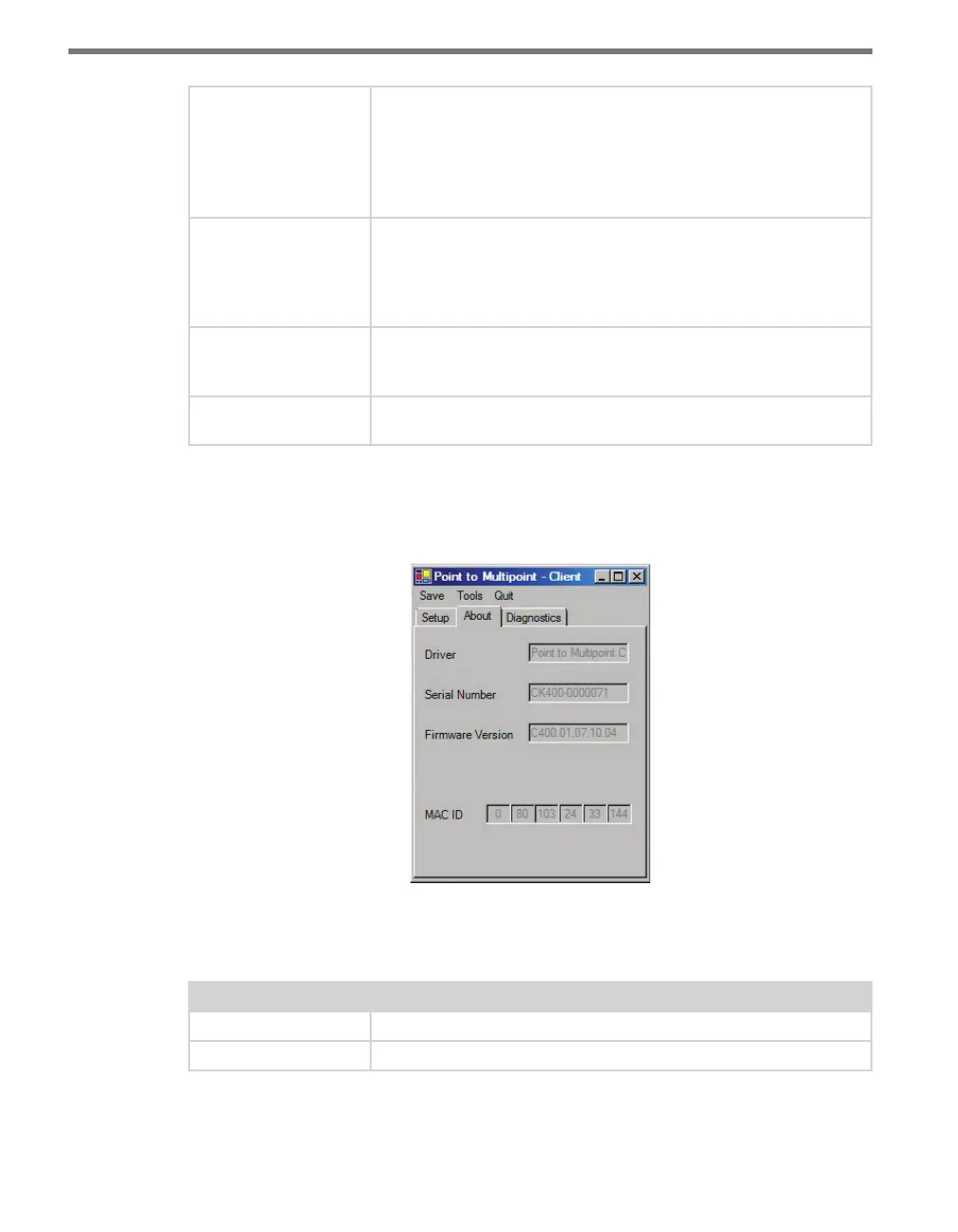
Under the About tab, you can view information about your Click 400 (see Figure 27.5 and
Table 27.3).
Figure 27.5 – About Tab
e following settings are common to all four application drivers:
Settings Description
Driver
Names the driver you are currently working with.
Serial Number
Displays the serial number of your device.



 To Next Page