CHAPTER 3 WIRING THE DEVICES 23
Note
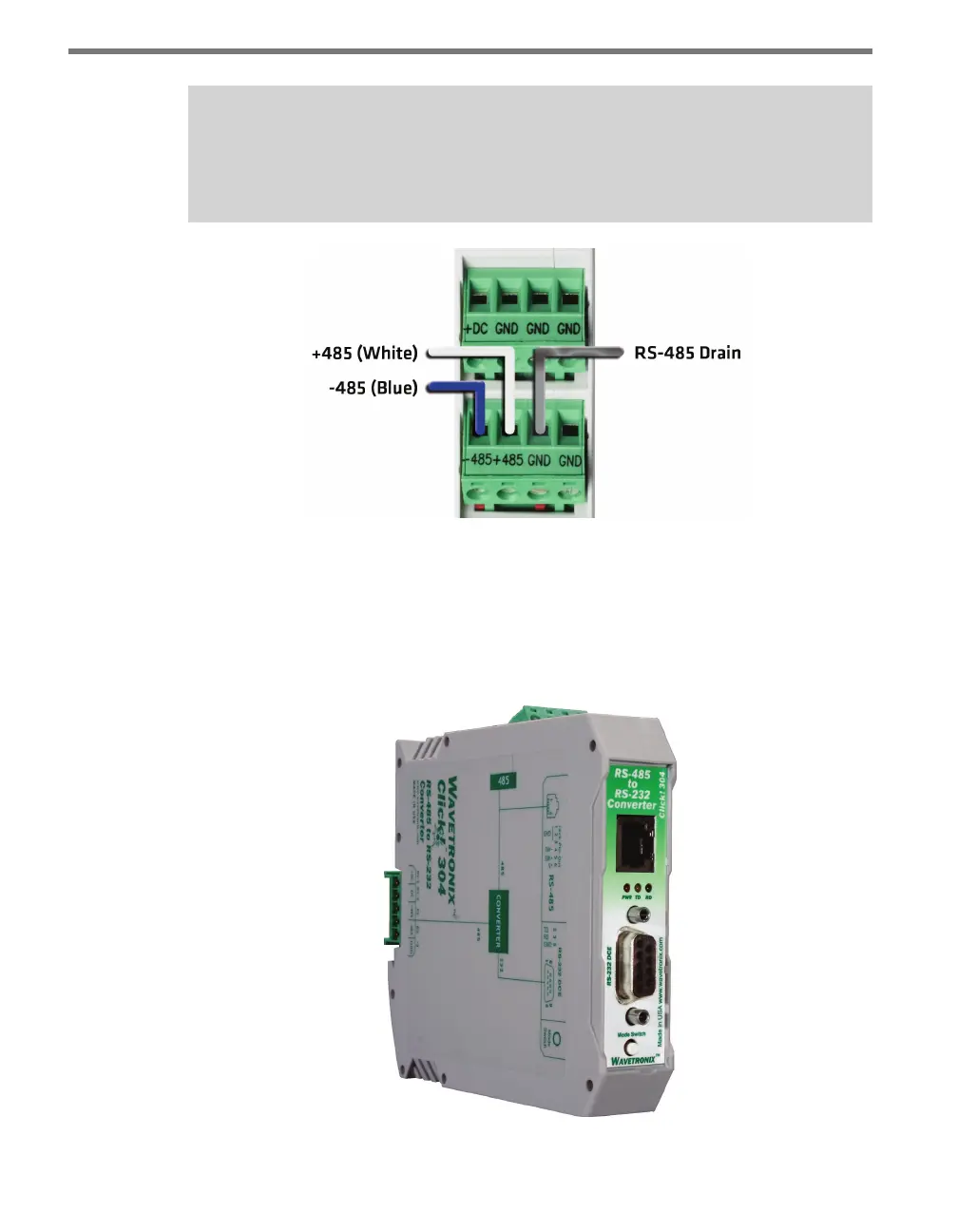
If you are using a Click 200 in your installation, it is recommended you wire RS-485
through it if you would like to connect to a Click device.
Figure 3.2 – Wiring RS-485 Communication into the Click 200
Wiring RS-485 from a Click Device
Several Click devices—such as the 104, 110, 112/114, 172/174, 200, 301 and 304—also have
RJ-11 jacks for RS-485 communication with a computer or with contact closure cards. To
use, simply use an RJ-11 jumper cable to connect the two devices.
Figure 3.3 – A Click Device Showing RJ-11 and DB-9 Jacks



 To Next Page