256 CHAPTER 29 CLICK 421
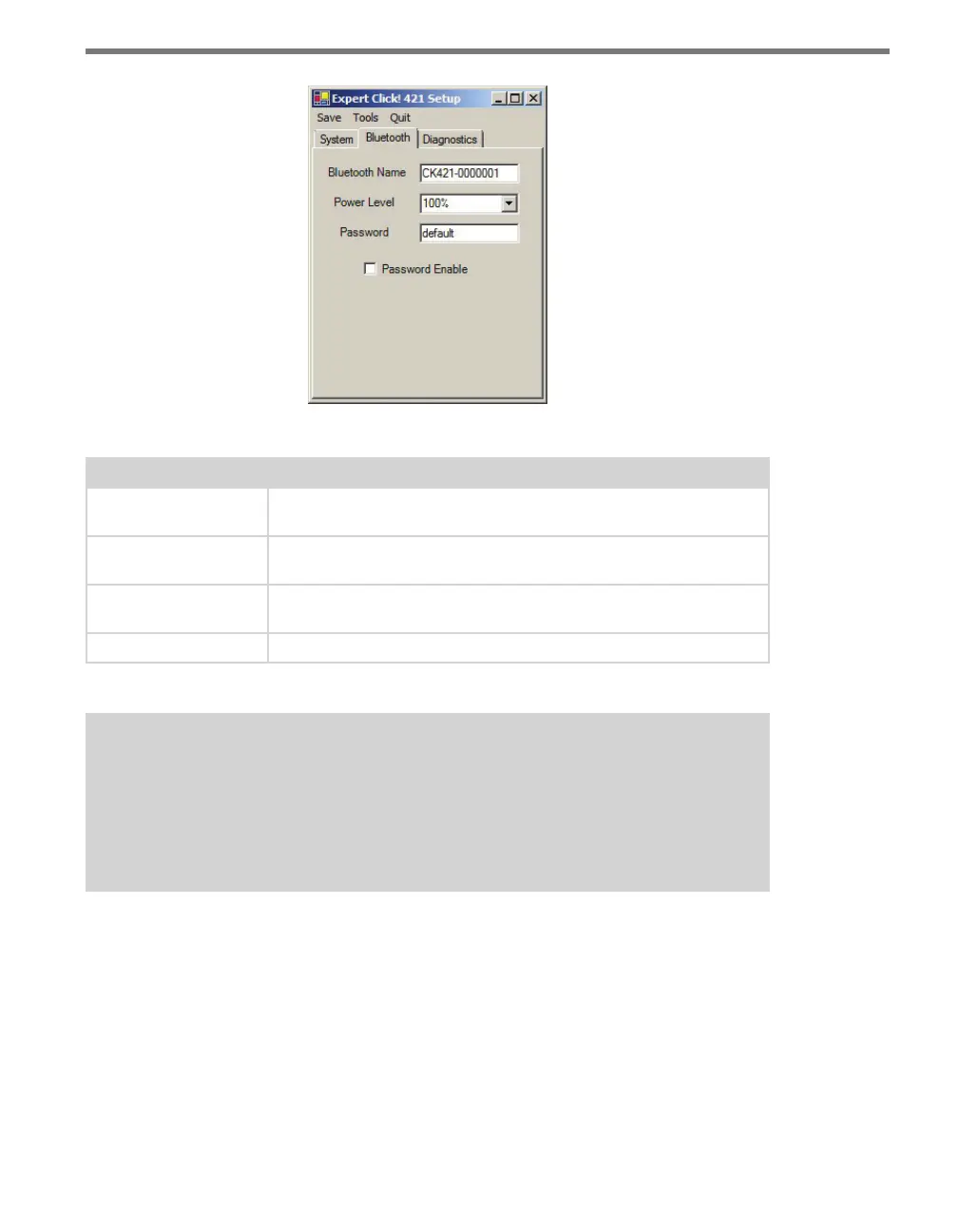
Figure 28.10 – Expert Driver Bluetooth Tab
Setting Description
Bluetooth Name
Allows you to change the name of your Bluetooth device, which is
broadcast with the Bluetooth signal.
Power Level
Lets you change the power level of the Bluetooth signal; the options
are 25%, 50%, 75% and 100%.
Password
Provides a field to enter the password to be used, if you have enabled
the use of a password on the Bluetooth signal.
Password Enable
Enables the use of a password on the signal.
Table 28.7 – Expert Driver Bluetooth Tab
Note
If you decide to password protect your Click 421, be sure to keep a good record of
the password you choose. Wavetronix is not able to recover passwords or remove
password protection from a device, so if the password is ever forgotten or lost, it will
render the module unusable.
Under the Diagnostics tab, you can run diagnostics on your device. Click the General or
Bluetooth buttons to run diagnostics on the items listed below each button. If a problem is
detected, the program will display a red square next to the item in question. If no problems
are detected, a green circle will appear.



 To Next Page