28 CHAPTER 4 INSTALLING CLICK SUPERVISOR
Note
If you are running Windows® Vista, you must run Click Supervisor in XP Service Pack
2 compatibility mode. To switch to this mode, right-click on the Click Supervisor icon
and select Properties from the drop-down menu. Go to the Compatibility tab. Under
Compatibility mode, click the Run this program in compatibility mode for: check-
box. This will enable the drop-down menu, allowing you to select Windows XP (Ser-
vice Pack 2). Hit OK.
Installing Click Supervisor
If you have a Wavetronix Install Kit, the handheld computer included in the kit comes with
Click Supervisor already installed, along with sensor soware. If you don’t have an install
kit, or if you want to install on a desktop computer, follow the steps below.
Click Supervisor can be run on a Windows® PC and on ahandheld computer Everything
needed to install Click Supervisor is contained in the Click Supervisor Setup.exe le. e
setup program can install Click Supervisor on a PC, handheld computer or both.
Note
You must have administrator rights to run the setup program.
e soware can be downloaded from the Wavetronix website at www.wavetronix.com. Af-
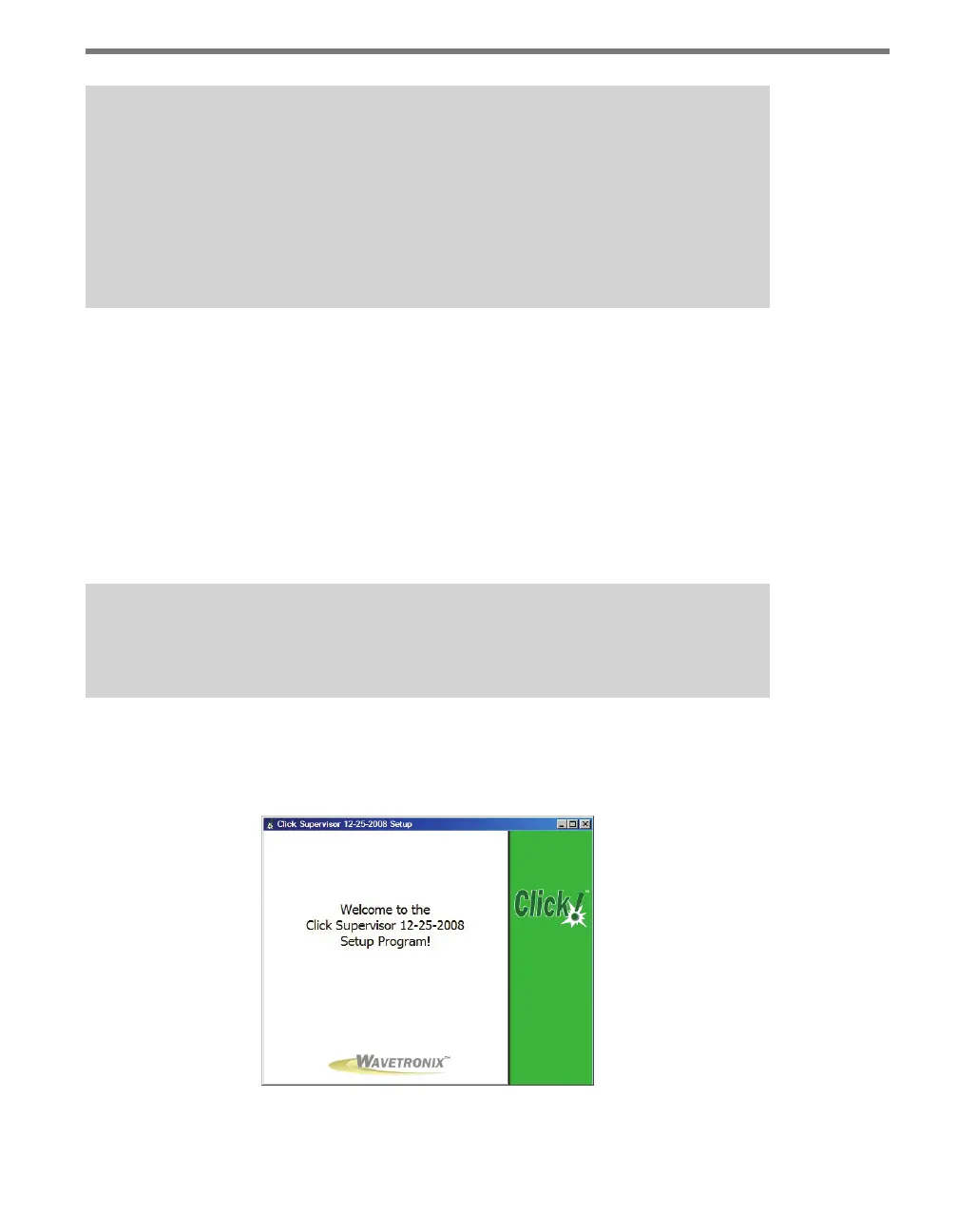
ter downloading the setup le, double-click on it to run the Click Supervisor setup wizard
(see Figure 4.1).
Figure 4.1 – Click Supervisor Setup Wizard



 To Next Page