110 CHAPTER 11 TOOLS
Backup/Restore Tool
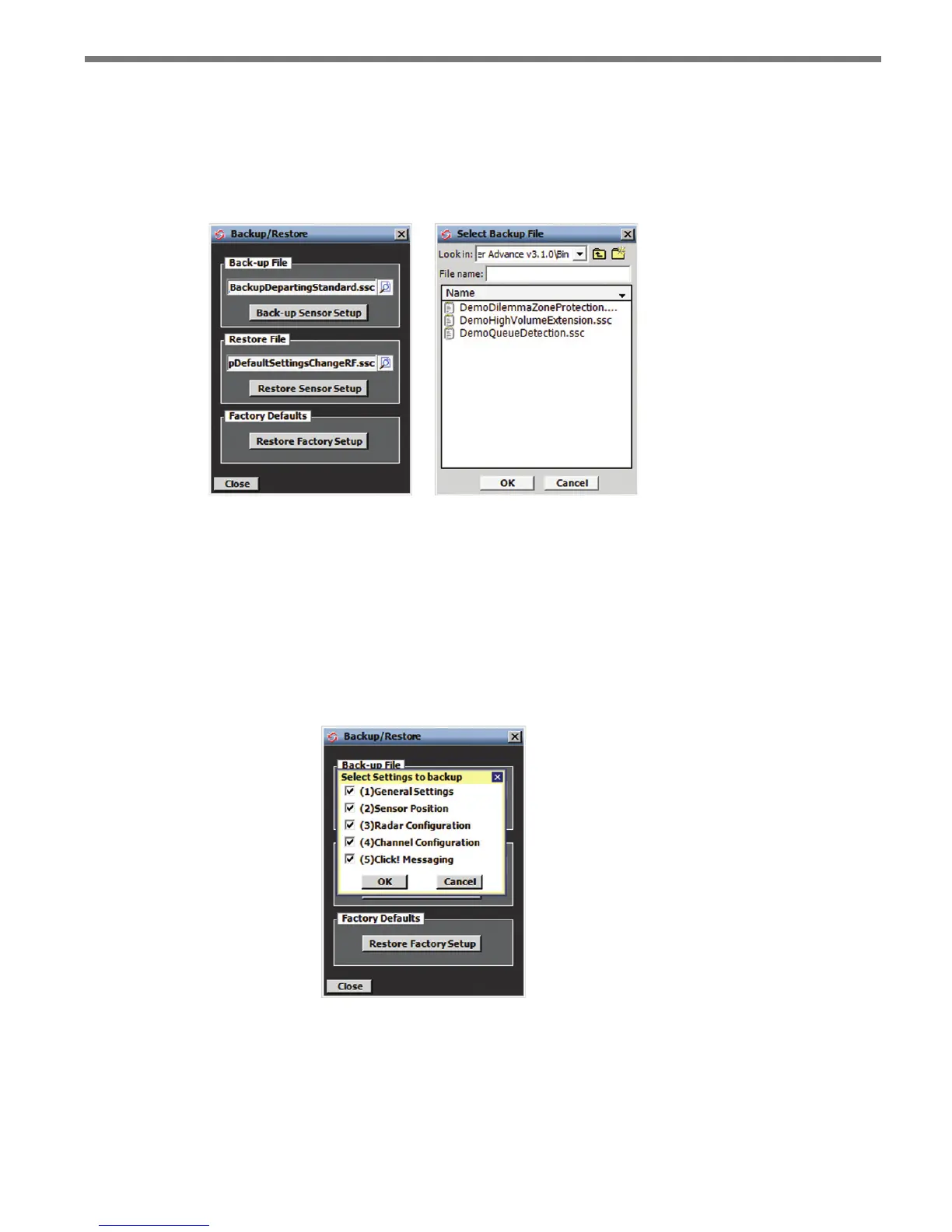
Click the Backup/Restore icon to start the Backup/Restore tool (see Figure 11.2). To
specify either a backup or restore le, click on the corresponding magnifying glass icon to
open the Choose File screen. Enter or select the desired le name and click OK.
Figure 11.2 – Backup/Restore Screen (left) and Choose File Screen (right)
Once the proper le has been specied, you can start the backup or restore operation.
Backing Up the Configuration
Click the Back-up Sensor Setup button to save the current conguration. e Select Set-
tings to backup screen allows you to specify which types of conguration data will be
backed up (see Figure 11.3). Make changes by checking or unchecking specic settings.
Figure 11.3 – Select Settings to Backup Screen
Click OK to obtain the sensor’s conguration data and begin the backup process, or click
Cancel to return to the Backup/Restore screen.



 To Next Page