In this chapter
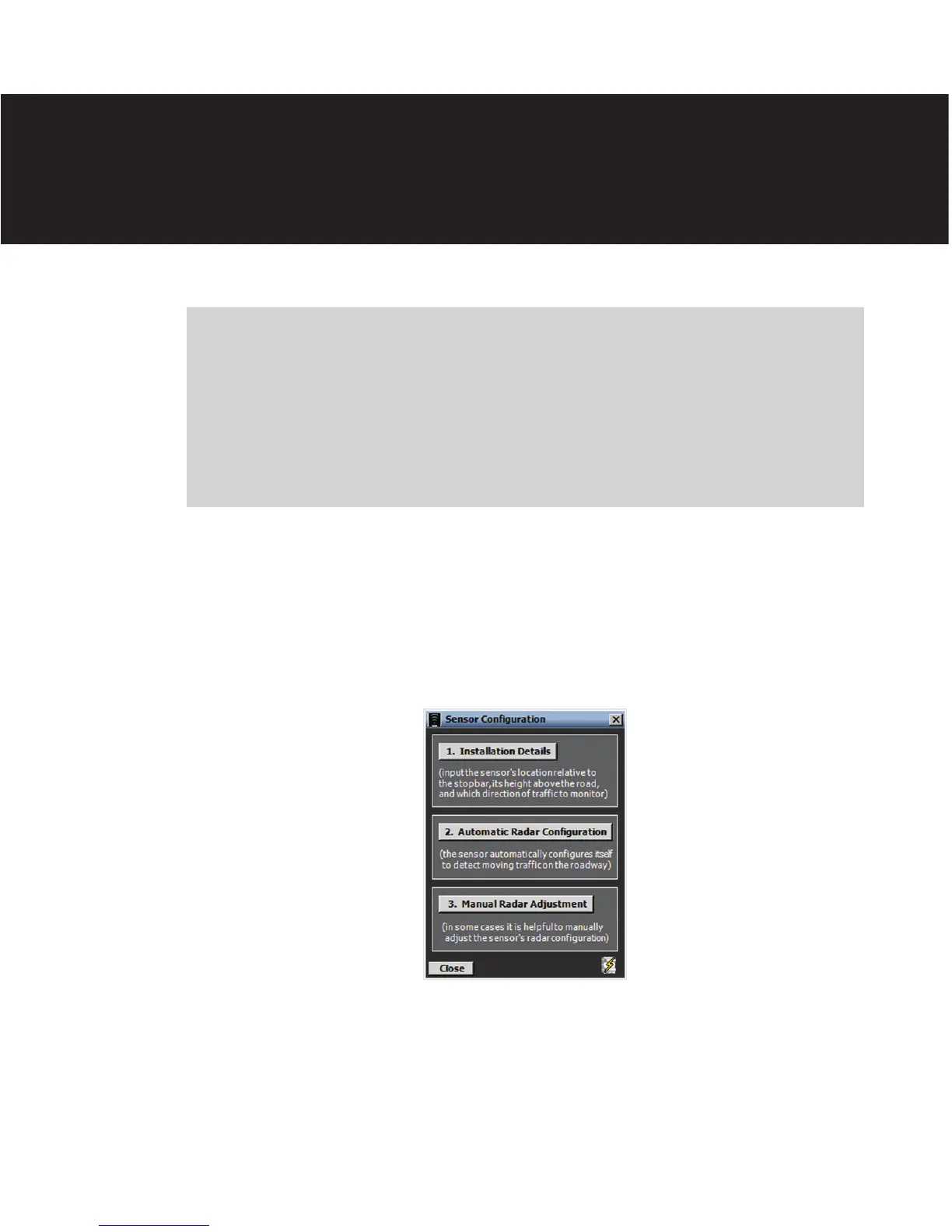
1. Installation Details
2. Automatic Radar Configuration
3. Manual Radar Adjustment
6
e Sensor Conguration screen contains installation details, an automatic conguration
feature and manual conguration tools (see Figure 6.1).
Figure 6.1 – Sensor Configuration Screen
Click the lighting bolt icon on the bottom right corner of the screen to save the cur-
rent conguration to the sensor’s ash memory. e sensor’s ash memory is non-volatile
memory.
Sensor Configuration 6



 To Next Page