40 CHAPTER 4 COMMUNICATION
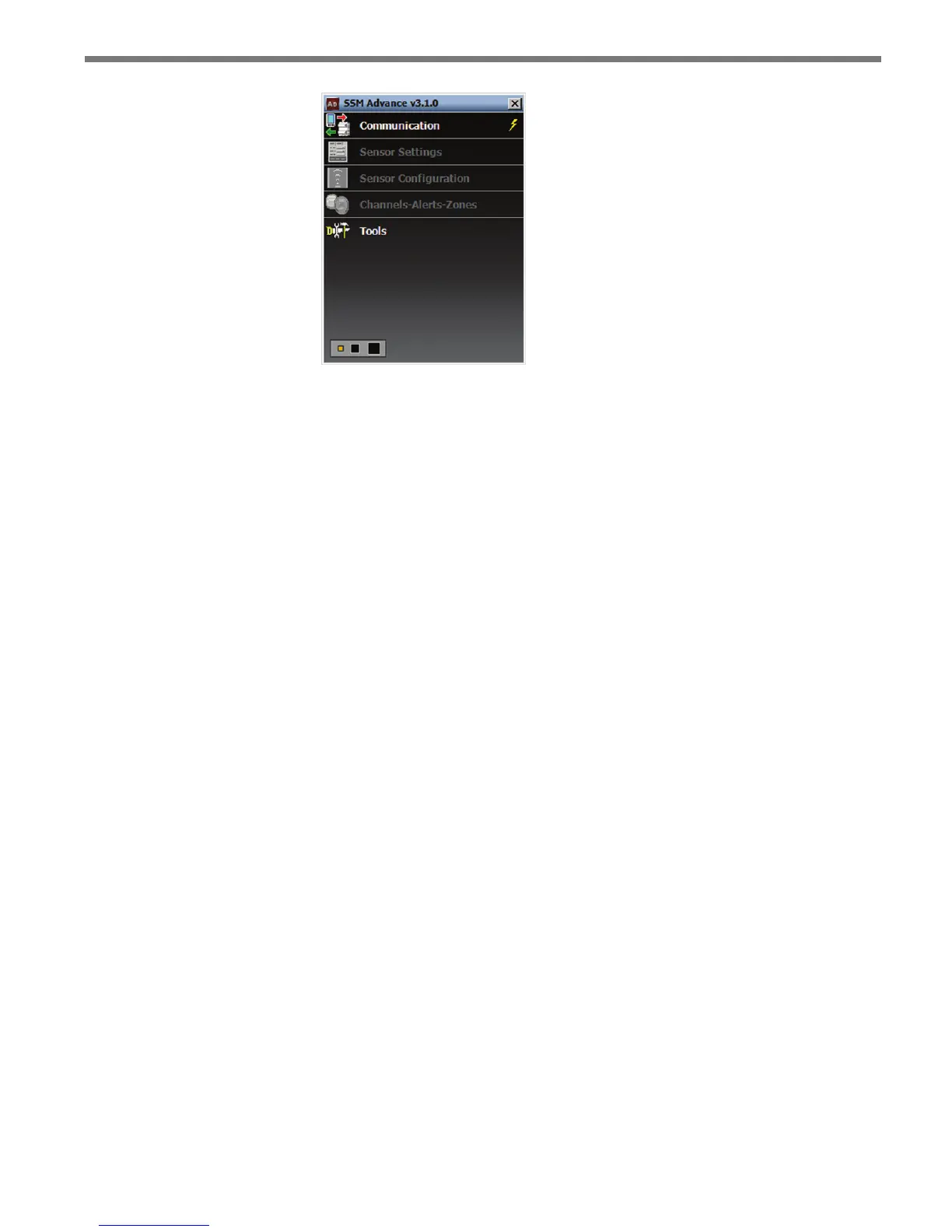
Figure 4.1 – SSMA Main Screen
e rst step is to make a connection to the sensor. e following three types of connec-
tions can be made:
Serial connection – Made using RS-485 communication.
Internet connection – Made using an IP address and Serial-to-Ethernet adapter.
Virtual connection – Made for convenience in learning and demonstrating SSMA
functionality.
Communication settings are stored in the system registry each time a connection is estab-
lished. After the rst connection is made to the SmartSensor Advance, the SSMA software
will save the connection settings that were used. Click the lightning bolt icon on the right
side of the communication job area to make a connection using the most-recently-used
parameters stored in the registry.
Serial Connection
1 Click on Communication to access the Communication window (see Figure 4.2).
2 Select the Serial tab.
3 Set Port and Speed to the desired settings. e SSMA software defaults to 9600 baud;
this baud rate is recommended and most likely will not need to be changed. Click the
Advanced… button for additional serial settings.
4 Click the Connect button.



 To Next Page