28 CHAPTER 2 CONNECTING POWER AND SURGE PROTECTION
( )
( )
Power
RS-485
red wire
black wire
+24 VDC
-DC
+RS-485
GND
-RS-485
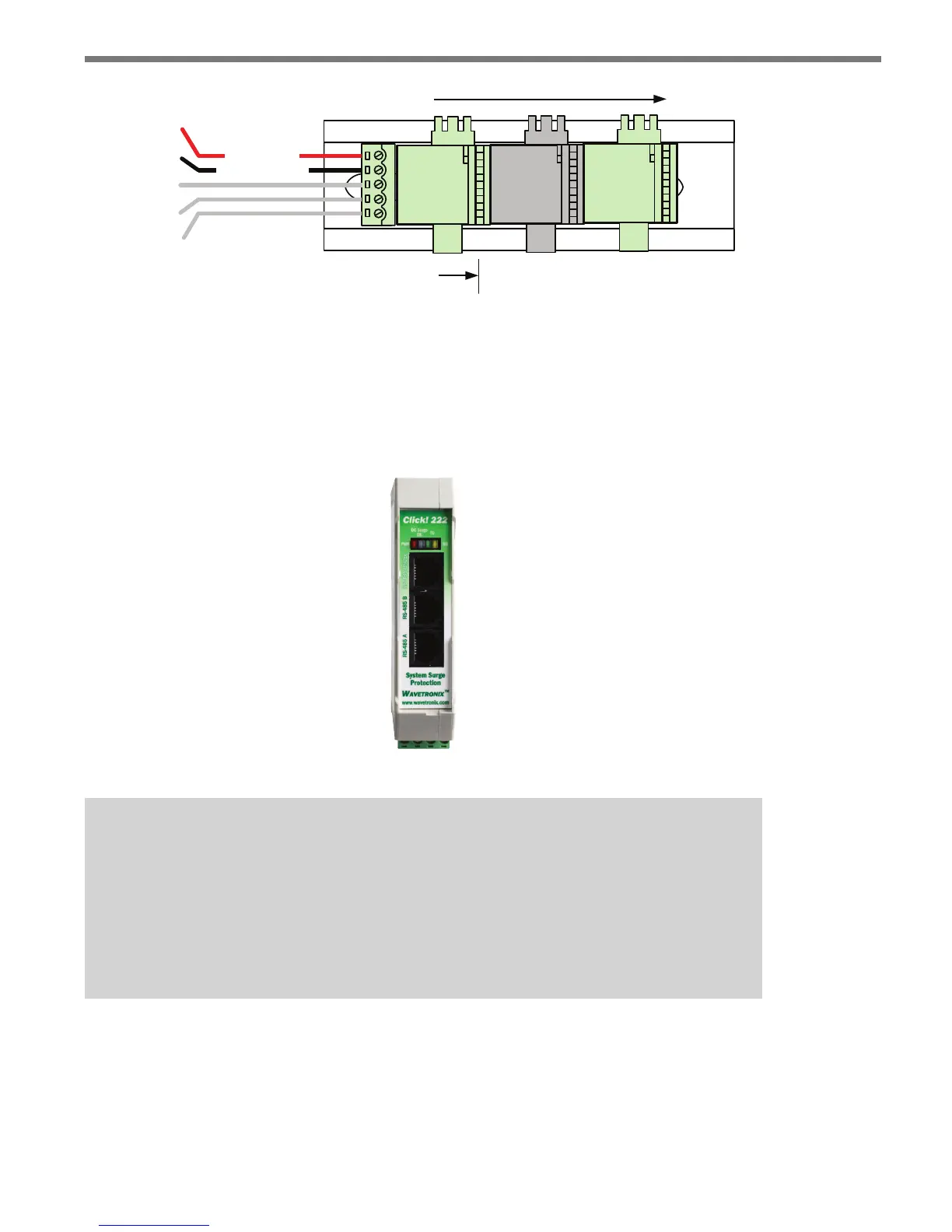
Figure 2.5 – T-bus Pinout Diagram
Providing System Surge Protection
e Click 222 system surge protector is designed to prevent electrical surges conducted
along underground cables from damaging the cabinet equipment (see Figure 2.6).
Figure 2.6 – Click 222 Faceplate
Note
The SmartSensor Advance has built-in surge protection and so there is no need to
use a pole-mount box for surge protection on the sensor side of the cable. However,
it is strongly recommended that the sensor be connected to a surge protection device
in the main trac cabinet. If you choose not to use surge protection in your main
trac cabinet, please contact Wavetronix Technical Services for assistance.
When a Click 222 is present, the power and RS-485 serial connections on the T-bus and
faceplate are protected from surges on the incoming SmartSensor 6-conductor cables.
e Click 222 faceplate has four activity indicator LEDs:
PWR – Indicates that the device has power.



 To Next Page