32 CHAPTER 2 CONNECTING POWER AND SURGE PROTECTION
Contact Closure Connections
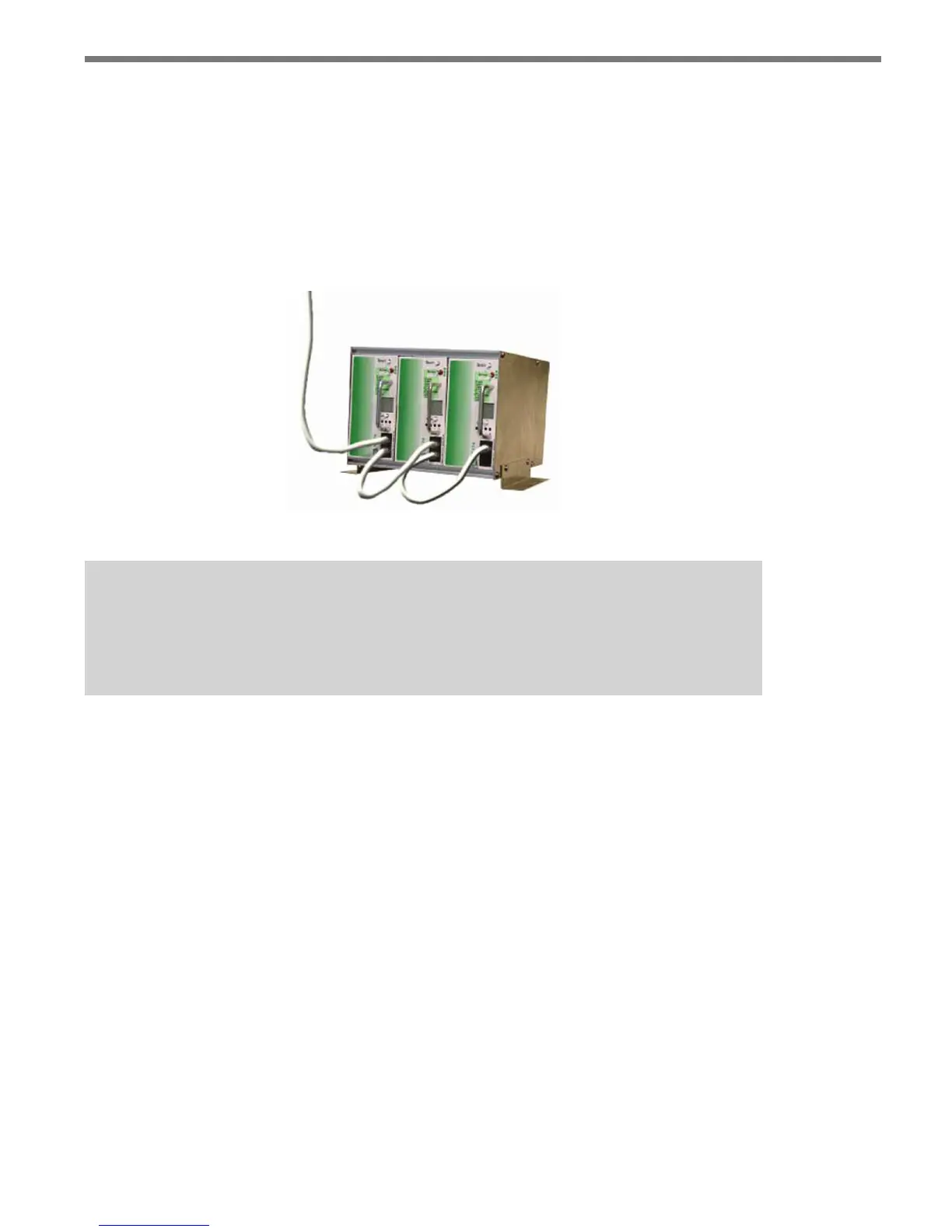
e SmartSensor Advance now supports both the Click 112/114 and Click 172/174 cards.
SmartSensor Advance Extended Range only supports Click 112/114. Use the data bus
ports (A or B) on the Click 222 to connect to the contact closure cards. In some cases, sev-
eral contact closure cards can be daisy-chained together. However, if you are using the Click
172/174 cards, the chain should not be connected until each card has been independently
programmed (see Figure 2.11).
Figure 2.9 – Connecting Contact Closure Modules
Note
Wait to connect contact closure communications until after the sensor is pro-
grammed using the configuration software.
See Chapter 12 for more information on contact closure communications.



 To Next Page