60 CHAPTER 6 SENSOR CONFIGURATION
Figure 6.6 – Reboot
If you were in the process of manually editing detection thresholds, it will ask you if you
would like to save these changes to the sensor’s ash before rebooting (see Figure 6.7). If
you do not save these changes they will be discarded.
Figure 6.7 – Save Changes
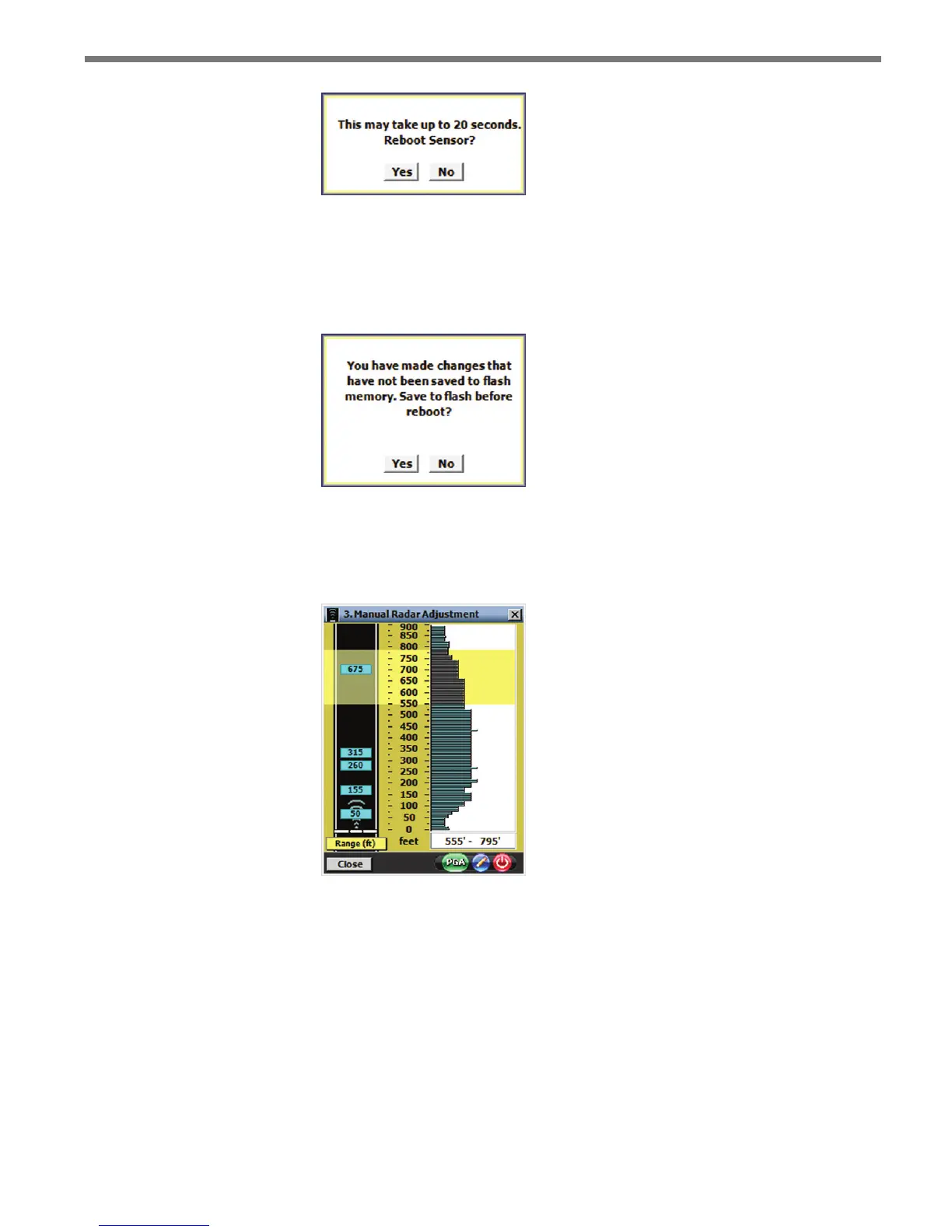
During the reboot time, the power button will turn red (see Figure 6.8), but once the sensor
has rebooted it will go back to green again.
Figure 6.8 – Red Button During Reboot
Editing Sensitivity
If missed detections are consistently noticed, the sensor’s sensitivity can be adjusted. De-
creasing the detection threshold levels in areas where trackers begin to disappear will reduce
the number of missed detections. To increase the sensor’s sensitivity, decrease the detection
threshold levels; to decrease the sensor’s sensitivity, increase the detection threshold levels.



 To Next Page