94 CHAPTER 8 VERIFY CHANNELS-ALERTS-ZONES
Dynamic Density
e Dynamic Density parameters determine the number of trackers that are required to
meet the specied level of eciency.
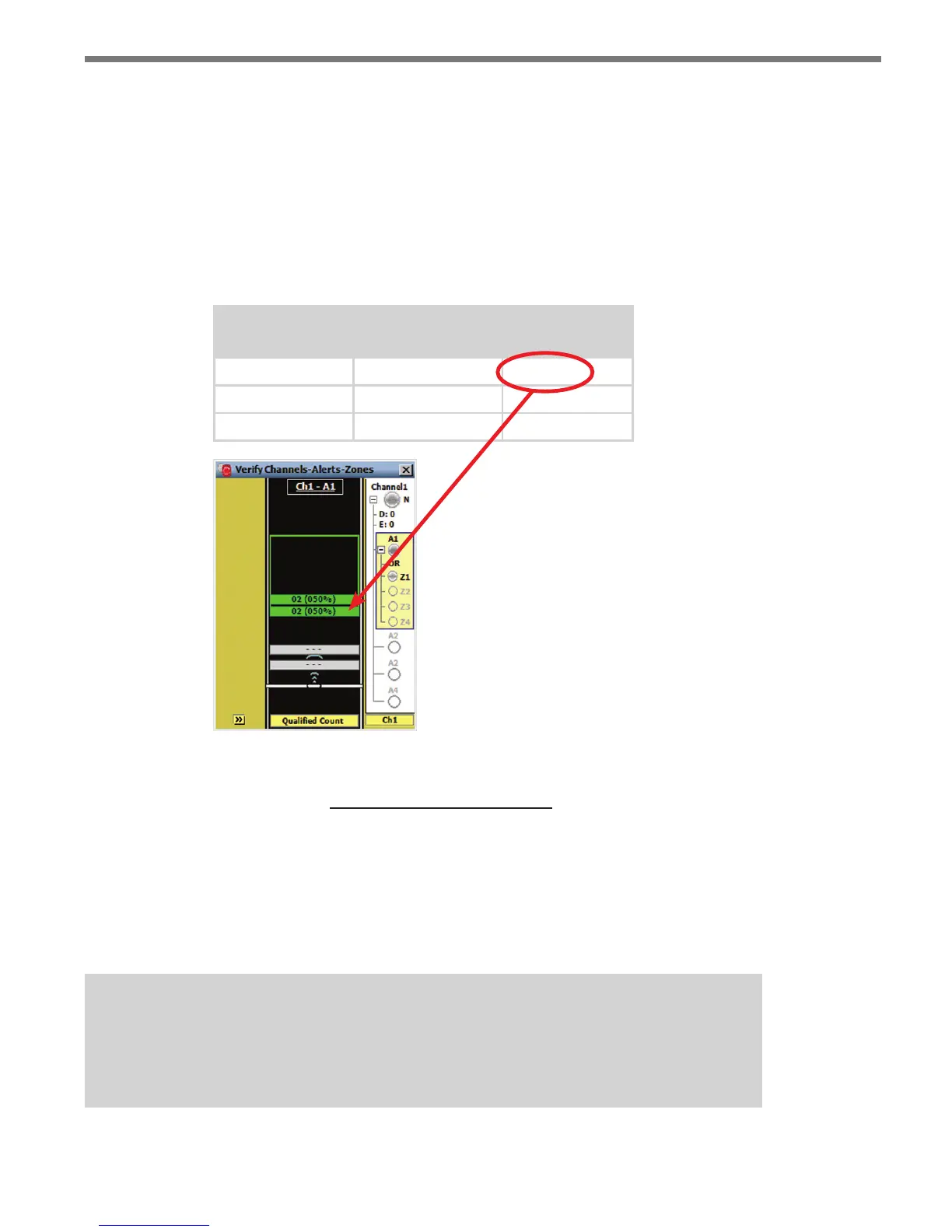
Figure 8.15 describes the text displayed when the Qualied Count is lower than, equal to,
or higher than the Dynamic Density thresholds. e number of qualied detections is fol-
lowed by a percentage number. e percentage is the count ratio of the current number of
qualied detections divided by the DDCR (see Figure 8.16).
Detected
Qualified Count
Dynamic Density
Threshold
Displayed Text
2 4 02 (050%)
4 4 04 (100%)
6 4 06 (150%)
Figure 8.15 – Display Text for Dynamic Density Zone Types
(DDCR)
Percentage =
Number of Qualified Detections
x 100%
Figure 8.16 – Percentage Equation
e zone output will be activated when the count ratio is equal to or greater than 100
percent. e percentage is displayed in the roadway display to help you tune the Dynamic
Density parameters and extend the green light when desired.
Note
It is recommended that you adjust the Tuning Factor instead of the Headway and
%Utilization parameters.



 To Next Page