96 CHAPTER 8 VERIFY CHANNELS-ALERTS-ZONES
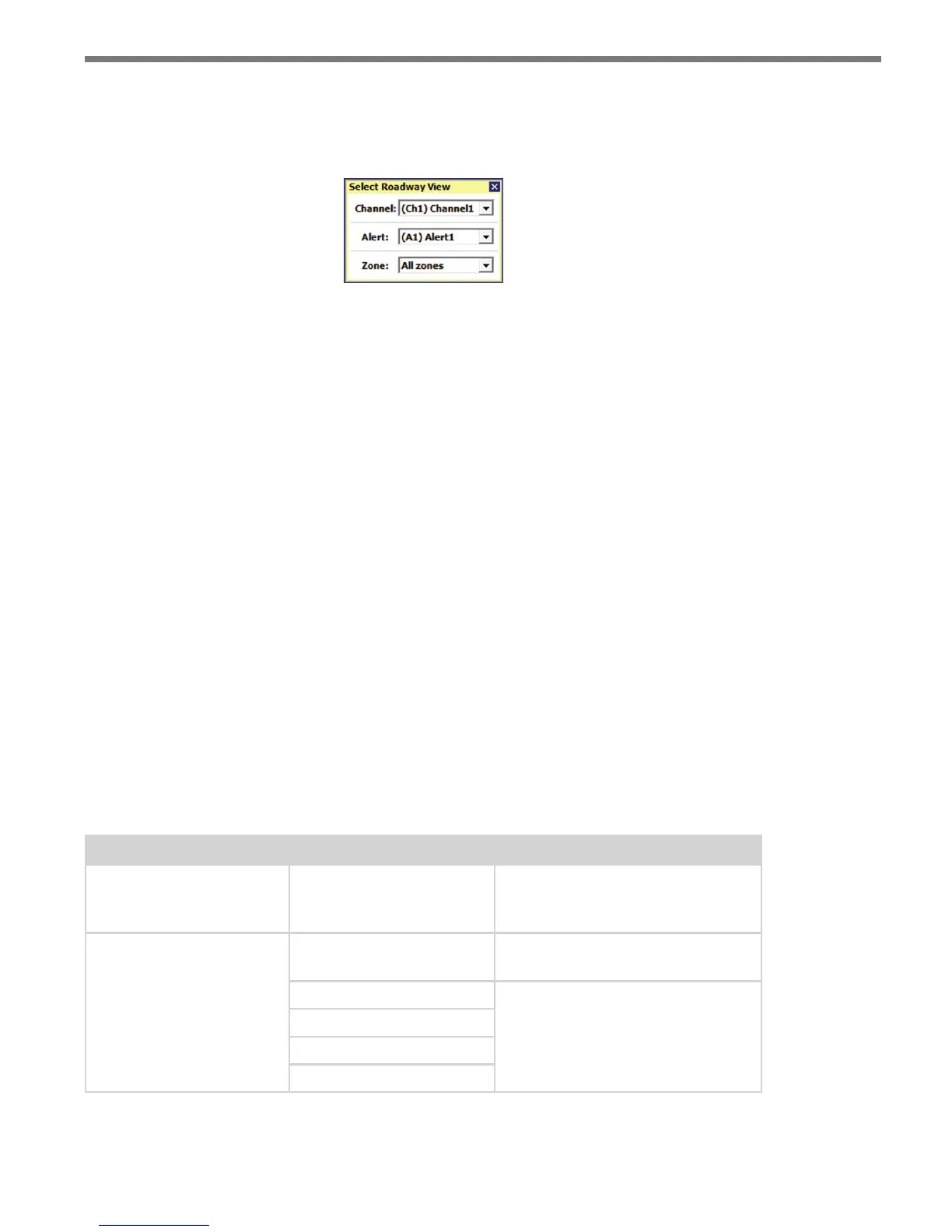
Clicking anywhere else in the roadway display causes the Select Roadway View screen to
appear (see Figure 8.19). is selection screen allows you to select which channel, alert or
zone is displayed on the roadway.
Figure 8.19 – Select Roadway View
When a channel is selected, light blue is used to indicate that that this track meets the
range, speed, ETA, and discovery range requirements of at least one of the channel’s zones.
It is often useful to select the alert or zone level on the right side bar to better understand
how tracker highlighting works. When an alert or zone is selected, the four zone colors
are used to indicate that a tracker meets ALL of a zone’s range, speed ETA, and discovery
range requirements. When verifying alerts or zones, if a tracker is highlighted light blue,
this indicates that even though the tracker does not meet ALL range, speed, ETA, and dis-
covery range requirements, it does at least meet the requirement for the currently displayed
range, speed, ETA, discovery range (or priority level) property.
Tracker Highlighting
When a channel, alert or zone is selected on the right sidebar, trackers will be highlighted
to help visualize which detections meet range, speed and ETA requirements. is type of
visualization can be very helpful when verifying programming logic.
Dierent highlight colors are applied depending on whether the channel, alert or zone
verication has been selected. If a tracker is highlighted, it will be either light blue or the
zone color; if a tracker is not highlighted, it will be displayed with the default gray color.
Table 8.3 below explains the meaning of each color, based on the sidebar selection.
Sidebar Selection Tracker Highlight Description
Channel Light Blue
Meets ALL range, speed and ETA
requirements of one of the chan-
nel’s zones.
Alert or Zone
Light Blue
Meets a range, speed or ETA zone
requirement.
Z1 - Green
Meets ALL range, speed and ETA
zone requirements.
Z2 - Blue
Z3 - Yellow
Z4 - Red
Table 8.3 – Tracker Highlighting



 To Next Page