Network Video Recorder(NVR)
User Manual
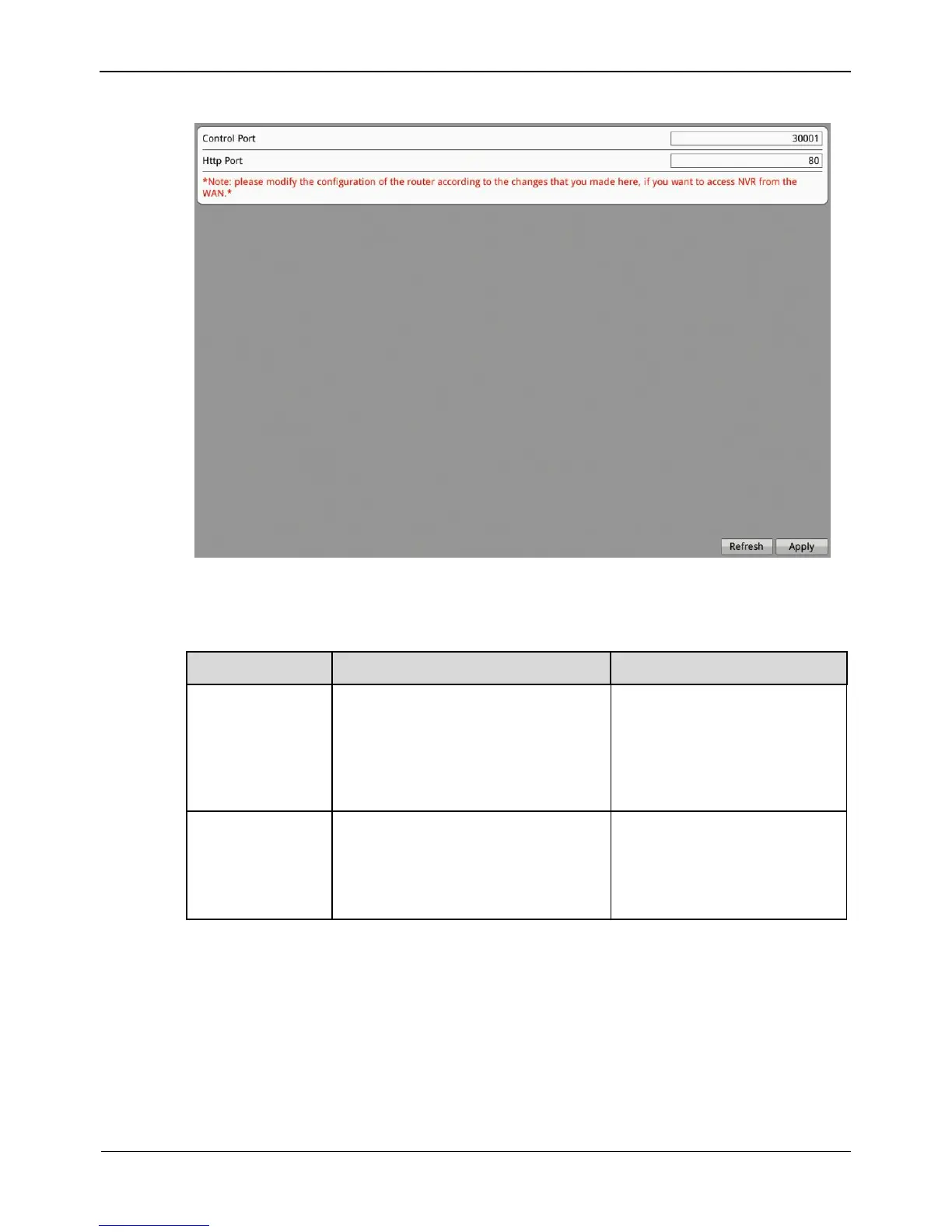
Figure 8-4 Device Port interface
Step 2 Set the parameters according to Table 8-2.
Table 8-2 Device port parameters
Port used for audio and video
transfer and signaling interaction.
NOTE
Control port is not recommended
for value between 1 and 1024.
[How to set]
Enter a value manually.
[Default value]
30001
[How to set]
Enter a value manually.
[Default value]
80
Step 3 Click Apply on the Device Port interface. The "Apply success" prompt is displayed.
Step 4 Click OK. The setting is saved automatically.
-----End
8.2.4 Date and Time
On the Date and Time interface, you can set the date and time of the NVR.



 To Next Page