Step 6 Click OK, the system saves the settings.
8.8 Alarm
8.8.1 Alarm Input
Choose Setting>NVR Setup>Alarm>Alarm Input.
For details, see 8.3.10 Alarm Input
8.8.2 .Alarm Out
Step 1 Choose Setting>NVR Setup>Alarm>Alarm Out.
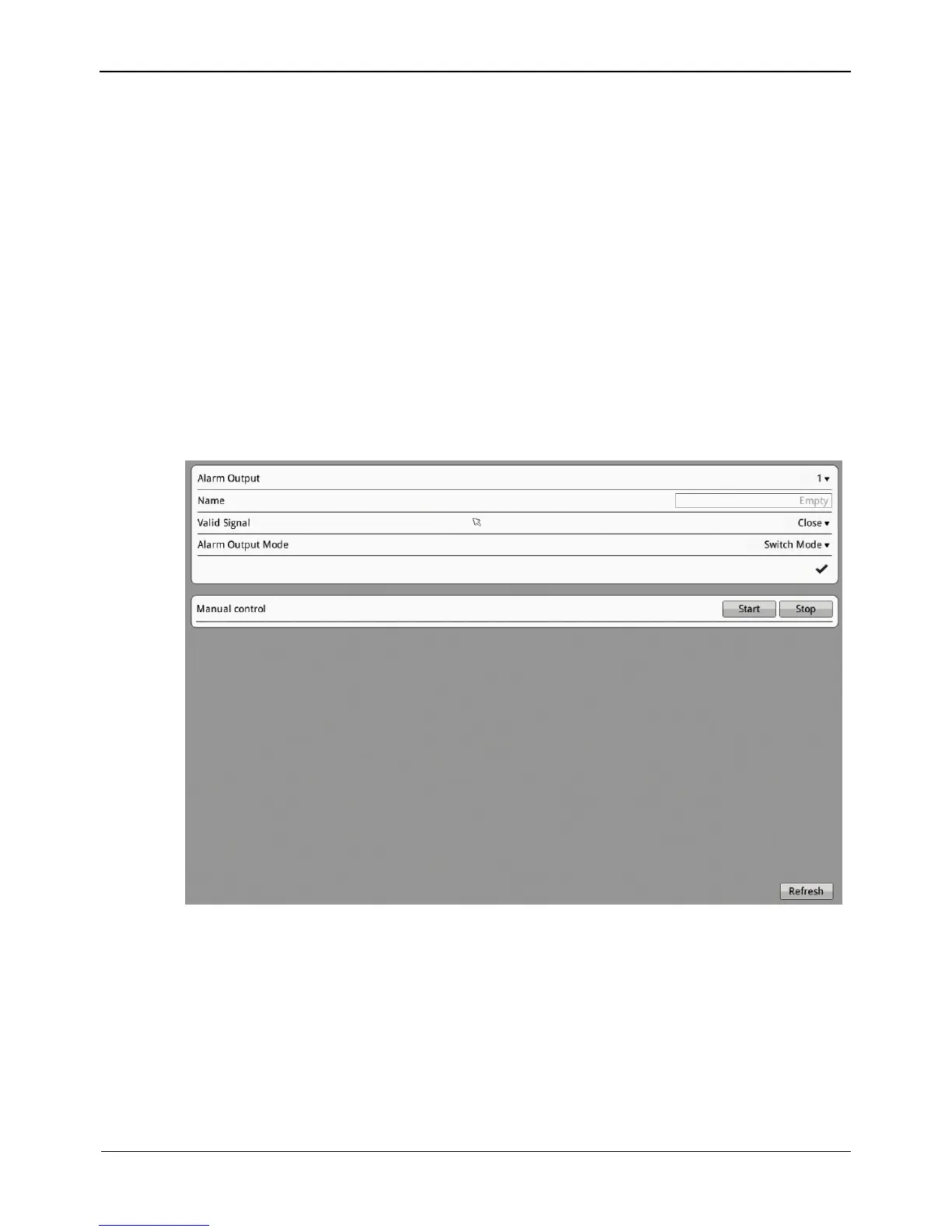
The Alarm Out interface appears, as shown in Figure 8-31.
Figure 8-31 Alarm Out interface
Step 2 Set the parameters according to Table 8-10.



 To Next Page