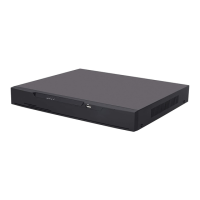
Network Video Recorder(NVR)
User Manual
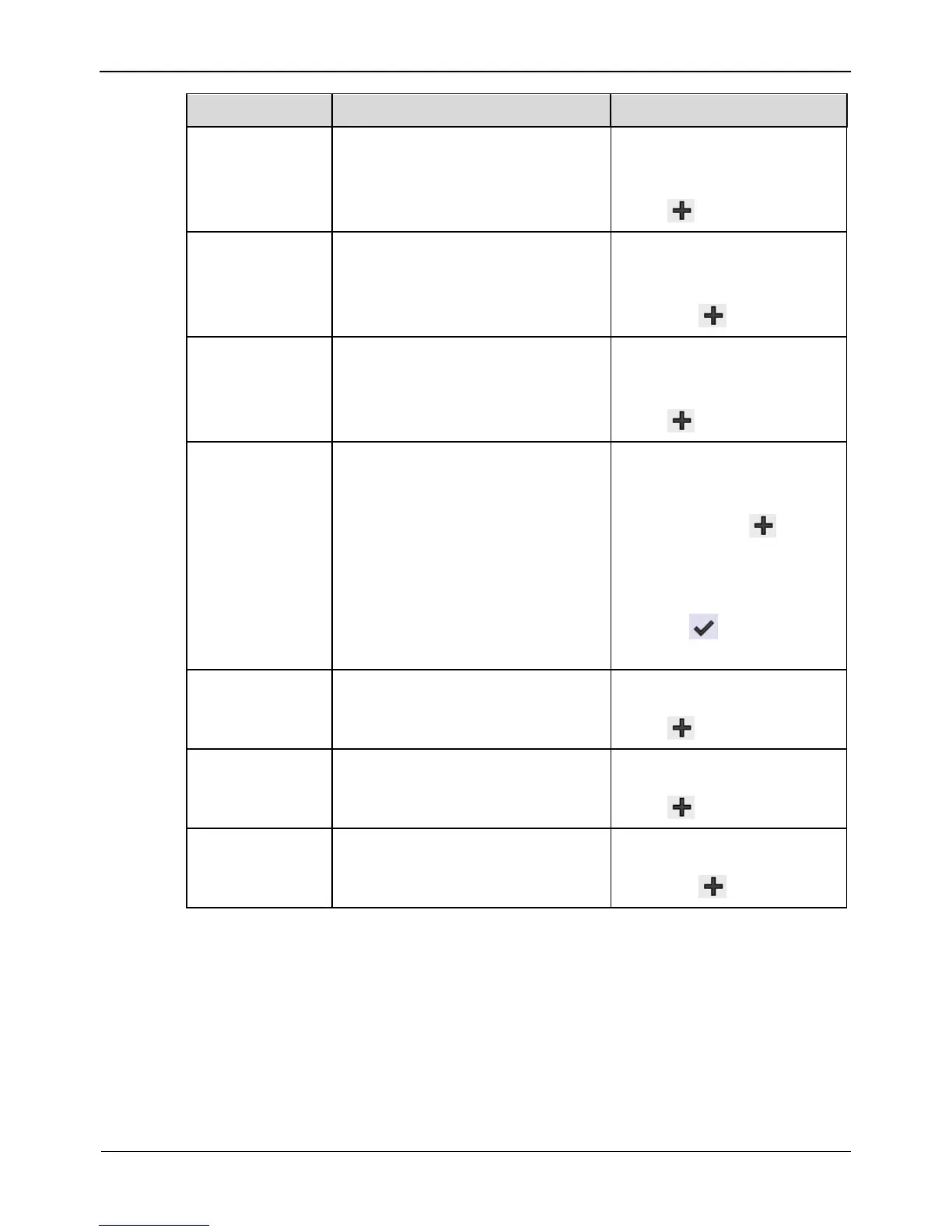
Indicates whether to display the
channel ID.
[Setting method]
Select“ Channel ID” from
the drop-down list box and
click .
Indicates the channel name.
[Setting method]
Select “Channel Name”
from the drop-down list box
and click .
Indicates whether to display the
time.
[Setting method]
Select“ Time” from the
drop-down list box and
click .
Enables you to enter a line of
characters and specify the row
and column where the characters
start to display.
The origin point is located in the
upper left corner of the video
window.
[Setting method]
Select“ Custom OSD”
from the drop-down list
box and click .
Double click “ Custom
OSD” and enter values
in the input field.
Click to save the
value.
Indicates whether to display the
PTZ position.
Select “PTZ Position” from
the drop-down list box and
click .
Indicates whether to display the
PTZ action.
Select “ PTZ Action” from
the drop-down list box and
click .
Indicates whether to display the
PTZ Temperature.
Select “ PTZ Temperature”
from the drop-down list box
and click .



 To Next Page