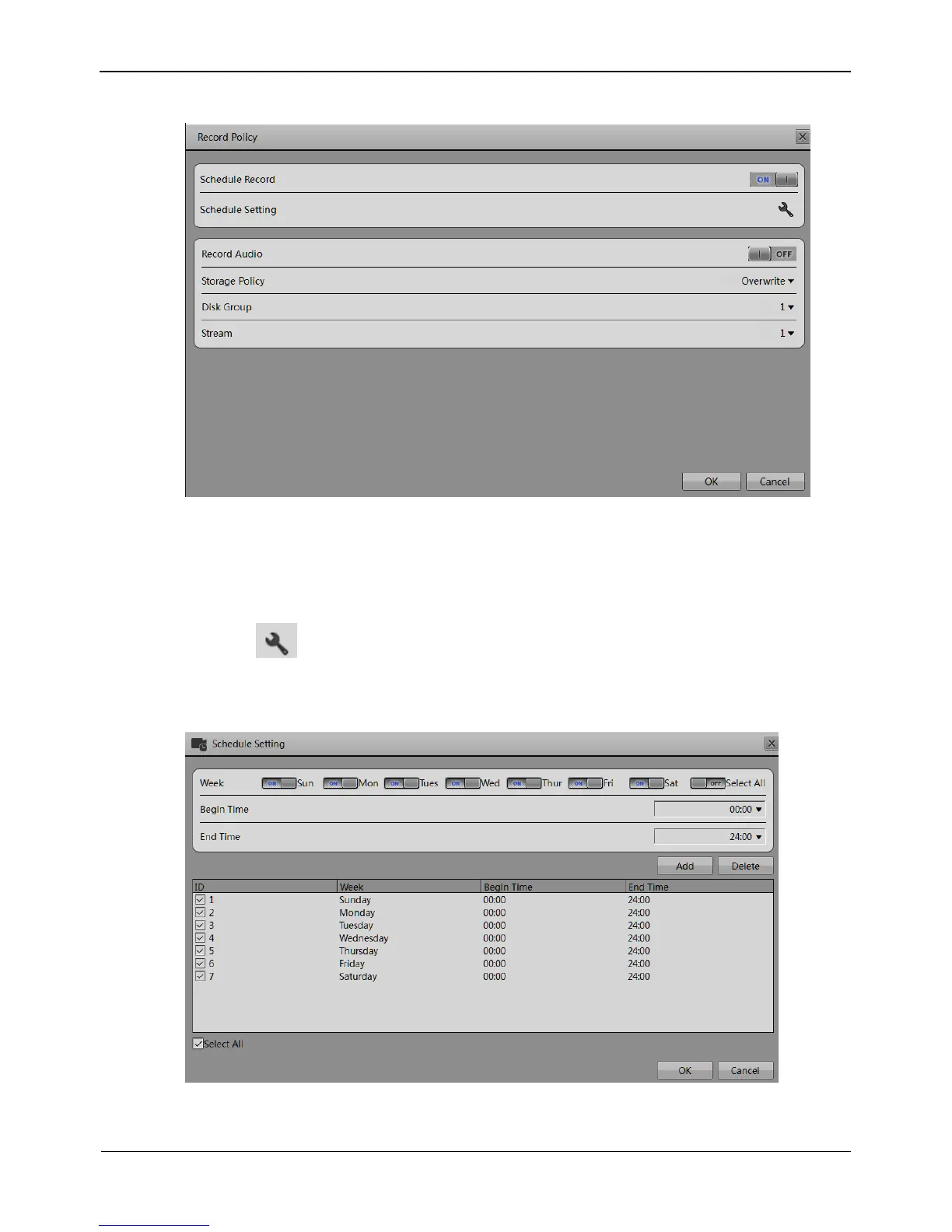
Figure 8-22 Record Policy setting interface
Step 4 Set a record plan.
The record plans of 24*7-hourand scheduled recording are available.
If you select timed recording, set the corresponding time as follows:
Click following the schedule setting. The Schedule Setting interface appears,
as shown in Figure 8-23.
Figure 8-23 Schedule Setting interface
Set the time segment of scheduled record.



 To Next Page