35
January, 2017
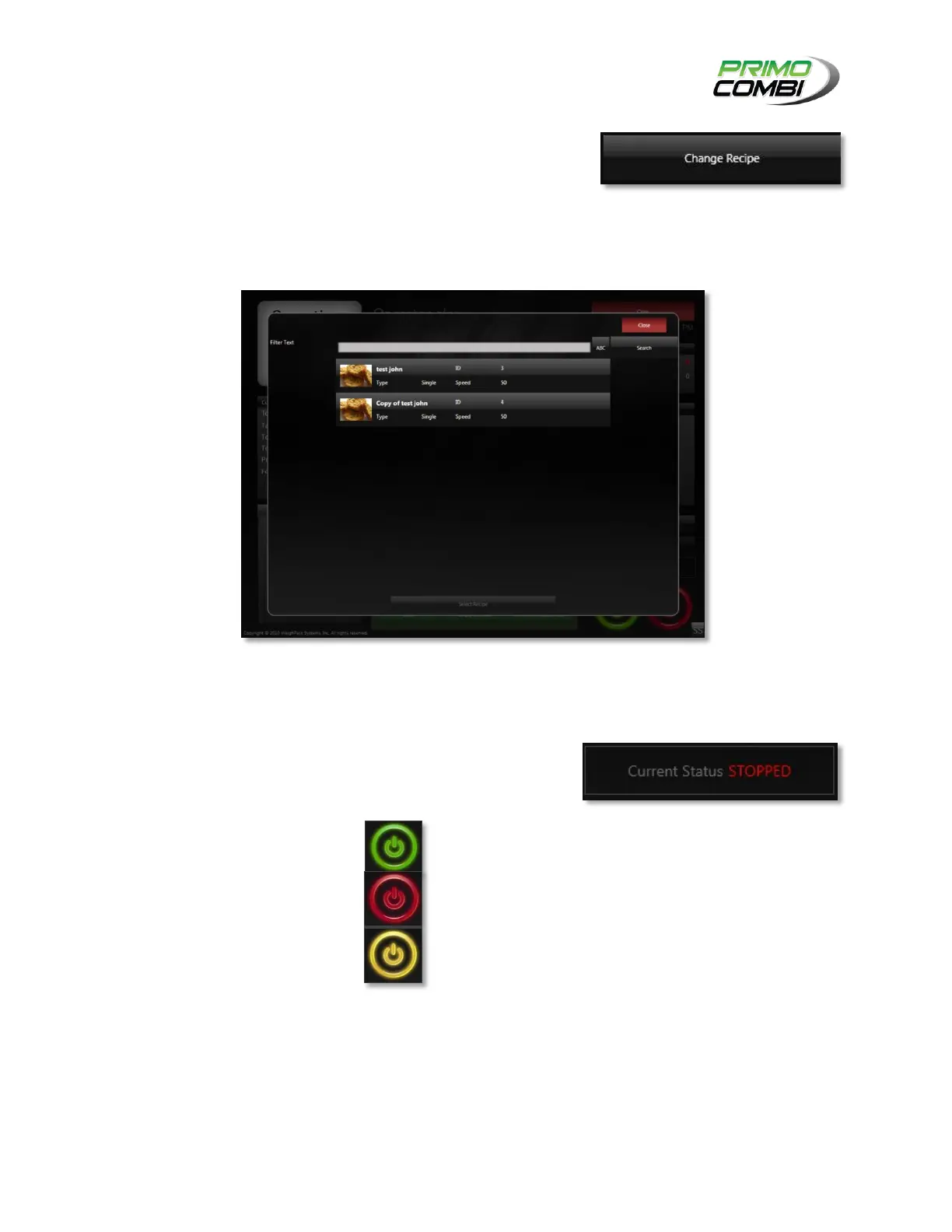
CHANGE RECIPE:
The change recipe button is where you will be able to load a new,
preconfigured recipe for the machine to run.
By clicking on Change Recipe, the recipe selection window will appear. Select the index card of the
recipe you wish to run and click on it. Next, press the Select Recipe button to confirm the selected
recipe. You can cancel this operation by selecting the Close button.
Recipe Selection Screen
CURRENT STATUS AND MACHINE CONTROLS:
The current status is where you can view the mode of operation
the PrimoCombi is currently in.
Start the Scale (Green Button)
Stop the Scale (Red Button)
Pause the Scale (Yellow Button)



 To Next Page